OTT platforms
Uscreen vs. Muvi: Find the Ideal Platform for Your Subscription Business

Choosing between Uscreen and Muvi comes down to what kind of subscription business you are building, how much operational complexity you can handle, and how much control you want over apps, infrastructure, and long-term costs. Both platforms help businesses launch video subscriptions, but they are built for slightly different paths.
If you want a faster path for a creator-led membership business, Uscreen is often the simpler fit. If you need a broader white-label OTT stack with more enterprise-style controls and wider app options, Muvi may be the stronger choice. There is also a third path worth considering if you want more pricing flexibility and more direct ownership of your infrastructure: a service model like BitByte3, which can be relevant for teams that prefer a bring-your-own-account setup.
Uscreen vs. Muvi: Quick Answer
Uscreen is usually the better fit for individual creators, coaches, and brands that want a polished subscription video business without managing a more technical OTT rollout. Muvi is usually the better fit for companies that need deeper white-labeling, larger app distribution plans, more enterprise-style controls, or more complex OTT operations.
Neither platform is automatically the best choice for every business. The right answer depends on your subscriber model, app roadmap, budget tolerance, and whether you want an all-in-one managed platform or more freedom in how your stack is assembled.
Key Takeaways
Uscreen is generally easier for creator memberships and recurring video businesses that want to launch quickly.
Muvi is broader and more enterprise-oriented, especially for businesses that want white-label OTT infrastructure and more app expansion options.
Pricing structure matters as much as the headline monthly fee. Subscriber fees, infrastructure fees, app costs, and storage can materially change your total cost.
If vendor lock-in, storage limits, or bundled platform fees are a concern, a BYOA model can be worth evaluating.
The best platform for your subscription business is the one that matches your current business stage without creating painful cost or migration issues later.
Uscreen vs. Muvi: Who Each Platform Serves Best
Uscreen is strongest for creator-led memberships
Uscreen is aimed at creators and brands building paid memberships, video libraries, and community-driven subscription offers. Its messaging and packaging are geared toward recurring revenue, fast setup, and tools that help turn content into a membership business rather than a fully customized OTT operation.
That makes Uscreen especially attractive for coaches, educators, fitness businesses, niche media brands, and other operators who want to sell subscription video without taking on a lot of platform complexity.
Muvi is stronger for broader OTT and white-label use cases
Muvi positions itself more as a full OTT platform stack. Its public pricing and feature pages highlight white-labeled websites and apps, broader app distribution options, advanced CMS controls, CDN and infrastructure layers, and higher-scale packages with more operational features.
That can make Muvi a better fit for businesses that want a more expansive OTT footprint, need multiple device endpoints, or expect more complex deployment and security requirements over time.
Uscreen vs. Muvi: Pricing and Cost Structure
Pricing is one of the biggest differences between these platforms, and it is also where many buyers make avoidable mistakes. The published entry price can look manageable until subscriber fees, infrastructure charges, app fees, storage, and scaling costs start to stack up.
As reviewed on May 1, 2026, Uscreen publicly lists a Starter plan at $49 per month with a 100-subscriber limit and a Uscreen-branded domain. Its Growth tier is presented as $149 per month when billed annually or $199 monthly, with subscriber fees on top. Higher tiers add app support and more advanced functionality.
As reviewed on May 1, 2026, Muvi One publicly lists a Standard plan at $399 per month billed annually, plus infrastructure fees. Higher tiers move up substantially in price and can also involve additional app charges depending on the app mix you need.
In plain terms, Uscreen usually gives smaller subscription businesses a lower initial barrier to entry, while Muvi usually asks for a larger budget earlier but offers a broader OTT framework. That does not automatically make one cheaper in the long run. The better value depends on your subscriber growth, app needs, monetization model, and how much you would otherwise spend stitching together multiple vendors.
What to look at beyond the sticker price
Subscriber fees or transaction fees
Infrastructure or bandwidth fees
Storage limits and overage risk
Included apps versus paid add-on apps
Admin seat limits
Migration and customization costs
Uscreen vs. Muvi: Product and Operational Differences
The core difference is not just features. It is operating model. Uscreen is designed to help you launch and grow a subscription video business with less operational friction. Muvi is designed to support a larger OTT footprint with more configurable pieces.
Uscreen strengths
Lower starting price for smaller operators
Strong fit for memberships, creator businesses, and recurring revenue models
Built-in marketing, catalog, and livestreaming features aimed at non-technical teams
Cleaner path for businesses that want to validate demand before investing in a larger OTT rollout
Muvi strengths
Broader white-label OTT positioning
More extensive app ecosystem and device ambitions
Advanced CMS, APIs, webhooks, and enterprise-oriented controls on higher plans
Better fit for businesses that already know they need a more complex OTT setup
The real tradeoff
Uscreen usually wins on simplicity and speed for smaller membership businesses. Muvi usually wins on breadth and OTT scope for businesses that need a more expansive platform. The tradeoff is that simplicity can come with platform boundaries, while flexibility can come with higher cost and more moving parts.
How to Choose the Best Fit for Your Subscription Business
A simple way to make the decision is to score your business against four questions.
Do you need a fast membership launch with minimal operational overhead? If yes, Uscreen likely deserves a closer look.
Do you need a broader white-label OTT business with multiple app endpoints and more complex controls? If yes, Muvi may fit better.
Do you want direct ownership of infrastructure accounts, storage, or media delivery vendors? If yes, a BYOA model may be a better fit than a tightly bundled platform.
Are you optimizing for lowest initial cost, lowest long-term cost, or highest flexibility? Those are not always the same thing, so define which one matters most before comparing vendors.
When BitByte3 May Be the Better Option
If you are comparing Uscreen and Muvi because you want a branded OTT platform but feel boxed in by platform fees, storage limits, or bundled infrastructure, BitByte3 may be worth evaluating as a third option.
BitByte3 positions its OTT solution around multi-platform delivery, flexible monetization, and a lower-cost setup for growing businesses. Based on the product positioning provided for this article, BitByte3 also offers a BYOA, or bring-your-own-account, model. In practice, that means clients can connect and use their own service accounts for components such as video delivery and storage, including services like Cloudflare Stream, instead of being fully locked into vendor-managed storage or recurring platform-based media fees.
That approach can matter if your team wants more direct billing control, clearer ownership of infrastructure, and fewer restrictions tied to a platform's internal storage or account model. It may also be attractive if you want your OTT apps and business logic without giving up control of the underlying service accounts.
This is an affiliated mention, since BitByte3 is the publisher context for this article. Buyers should still validate pricing, delivery scope, app support, and implementation details directly with the BitByte3 team before making a decision.
Common Mistakes Buyers Make
Choosing based only on the entry plan instead of total operating cost
Paying for enterprise-style breadth before the business actually needs it
Ignoring app expansion costs until after launch
Underestimating migration difficulty if the first platform stops fitting later
Treating infrastructure ownership as a technical detail when it can become a major business issue over time
FAQ
Is Uscreen better than Muvi for a small subscription business?
Often, yes. Uscreen is generally easier for smaller creator or membership businesses that want a simpler launch path and a lower starting price.
Is Muvi better for white-label OTT?
It can be. Muvi is positioned more like a broader OTT platform with white-label websites, apps, and more advanced platform layers, especially on higher plans.
Which platform is cheaper, Uscreen or Muvi?
Uscreen usually has the lower starting price, while Muvi usually starts at a much higher base cost. The real answer depends on subscriber fees, infrastructure fees, storage, app needs, and how your business scales.
What does BYOA mean in an OTT setup?
BYOA means bring your own account. Instead of relying entirely on a platform's bundled vendor relationships, the client uses their own accounts for services such as media delivery or storage. This can provide more direct control over billing, limits, and vendor ownership.
When should I consider BitByte3 instead of Uscreen or Muvi?
Consider BitByte3 if you want a branded OTT solution, want more flexibility in pricing or infrastructure ownership, and prefer a model where you can use your own service accounts rather than staying inside a more tightly bundled platform.
Methodology and Source Notes
This article was prepared using public product and pricing pages reviewed on May 1, 2026. Key sources included Uscreen pricing at https://www.uscreen.tv/pricing/, Muvi One pricing at https://www.muvi.com/one/pricing/, and BitByte3 platform pages at https://bitbyte3.com/ and https://bitbyte3.com/solutions/streaming-platform. Product packaging, fees, and features can change, so verify current details directly with each vendor before purchasing.
The BitByte3 section includes affiliated commentary because BitByte3 is the publishing context for this content. No unsupported ratings, customer outcomes, or performance claims were added here.
Conclusion
For most creator-led memberships, Uscreen is the simpler and more approachable place to start. For broader OTT businesses with bigger app ambitions and more complex platform needs, Muvi is often the stronger fit. If your priority is more control over pricing structure, infrastructure ownership, or vendor accounts, BitByte3 is a reasonable third path to evaluate.
The best decision is not the platform with the longest feature list. It is the one that supports your current business model, leaves room for growth, and keeps your long-term operating costs and constraints manageable.
About the Author
M. Jorani — LinkedIn
Software Engineer & Technical Writer
M. Jorani is a software engineer and technical writer with hands-on experience building streaming infrastructure, video pipelines, and OTT platforms. He writes about encoding, delivery architecture, and the engineering decisions that shape how audiences watch content across devices.
More from the blog

Brightcove vs. Kaltura: A Comprehensive Guide for OTT Platforms
A practical comparison of Brightcove and Kaltura for OTT teams evaluating launch speed, customization, monetization, operational complexity, and long-term platform fit.
Read
Launch Your Own Streaming Platform: No Code, No Hassle
A practical guide to launching a branded streaming platform without custom development, with advice on pricing, content packaging, platform selection, and subscriber experience.
Read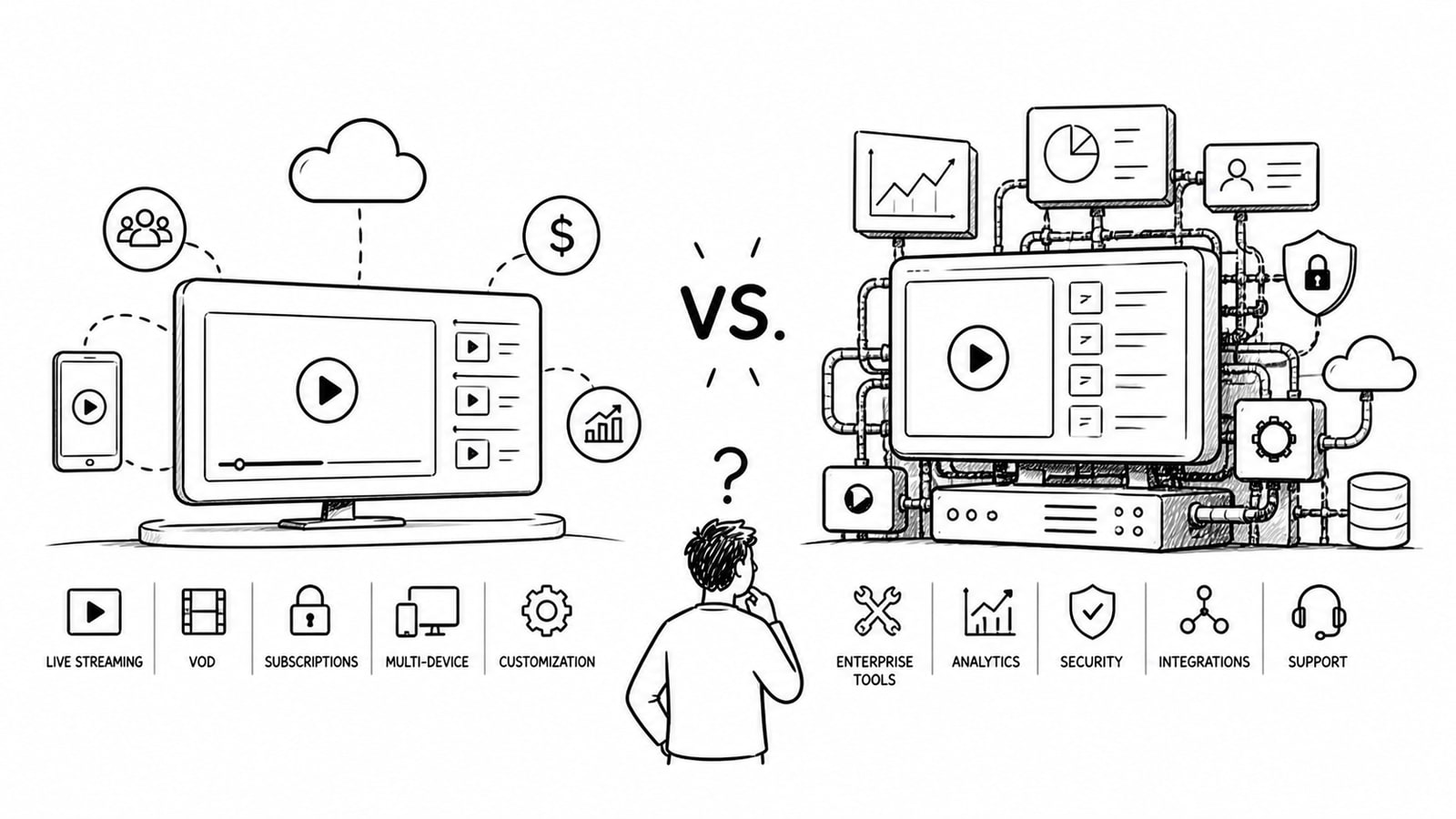
Uscreen vs. Brightcove: Uncover the Best Platform for Your OTT Strategy
A practical comparison of Uscreen and Brightcove for OTT strategy, covering pricing visibility, monetization, apps, customization, and where a lower-cost custom option like BitByte3 may fit.
Read