Pick up where you left off
Continue watching, browse favorites, check watch history, and get recommendations all synced with your other apps.
Platform / Mobile App
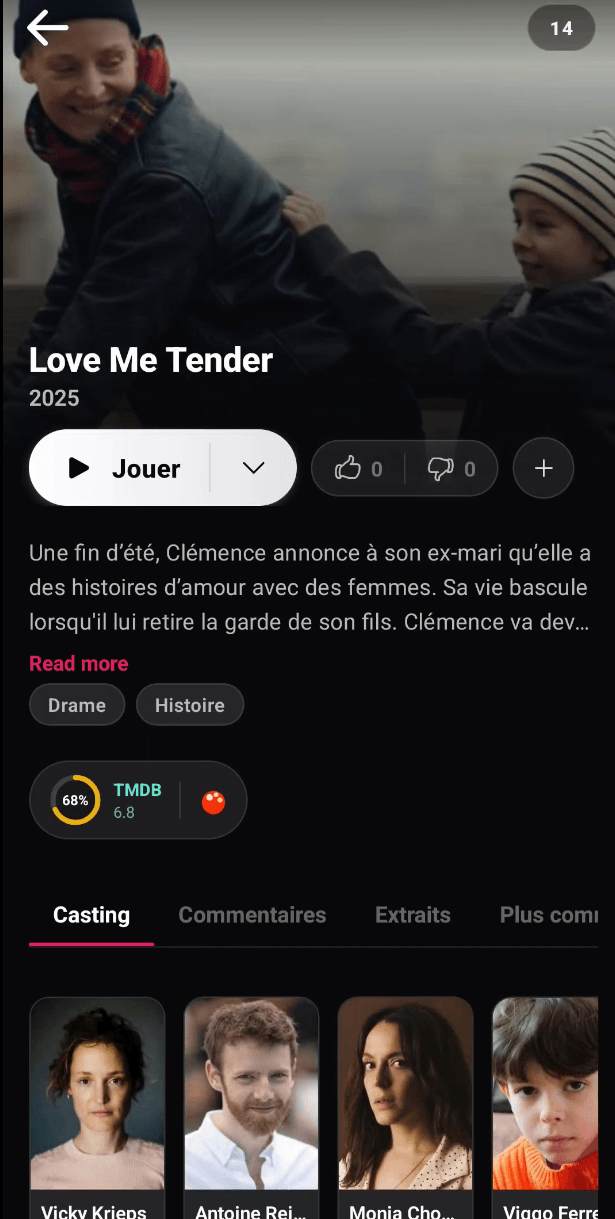
The BitByte3 mobile app gives your viewers native playback, offline downloads, profiles, comments, and subscriptions all synced with your website and TV app.
How it works
The mobile app isn't a separate service to manage. Content updates, subscription plans, downloads, and watch progress all sync automatically.
Mobile handling
What you get
Continue watching, browse favorites, check watch history, and get recommendations all synced with your other apps.
Viewers tap a title, choose an episode, and start watching with native phone or tablet video controls.
Download videos to watch on planes, trains, or anywhere without internet.
Switch profiles, set up kids mode, change language, adjust appearance everything syncs across devices.
Accept payments through Apple, Google, or RevenueCat. Mobile subscriptions stay synced with web and TV.
Viewers comment on titles, like content, get notifications, and reach support all from the app.
Workflow
The mobile app shares the same CMS and account system as your website and TV app. You don't rebuild content or subscriptions for mobile it just works.
Mobile app workflow
BitByte3 stackOpen the app, see featured content, categories, and continue watching.
Tap a title, check details, read episodes, and decide to play or download.
Stream immediately or download to watch later offline.
Come back through continue watching, notifications, saved lists, or profiles.
Profiles
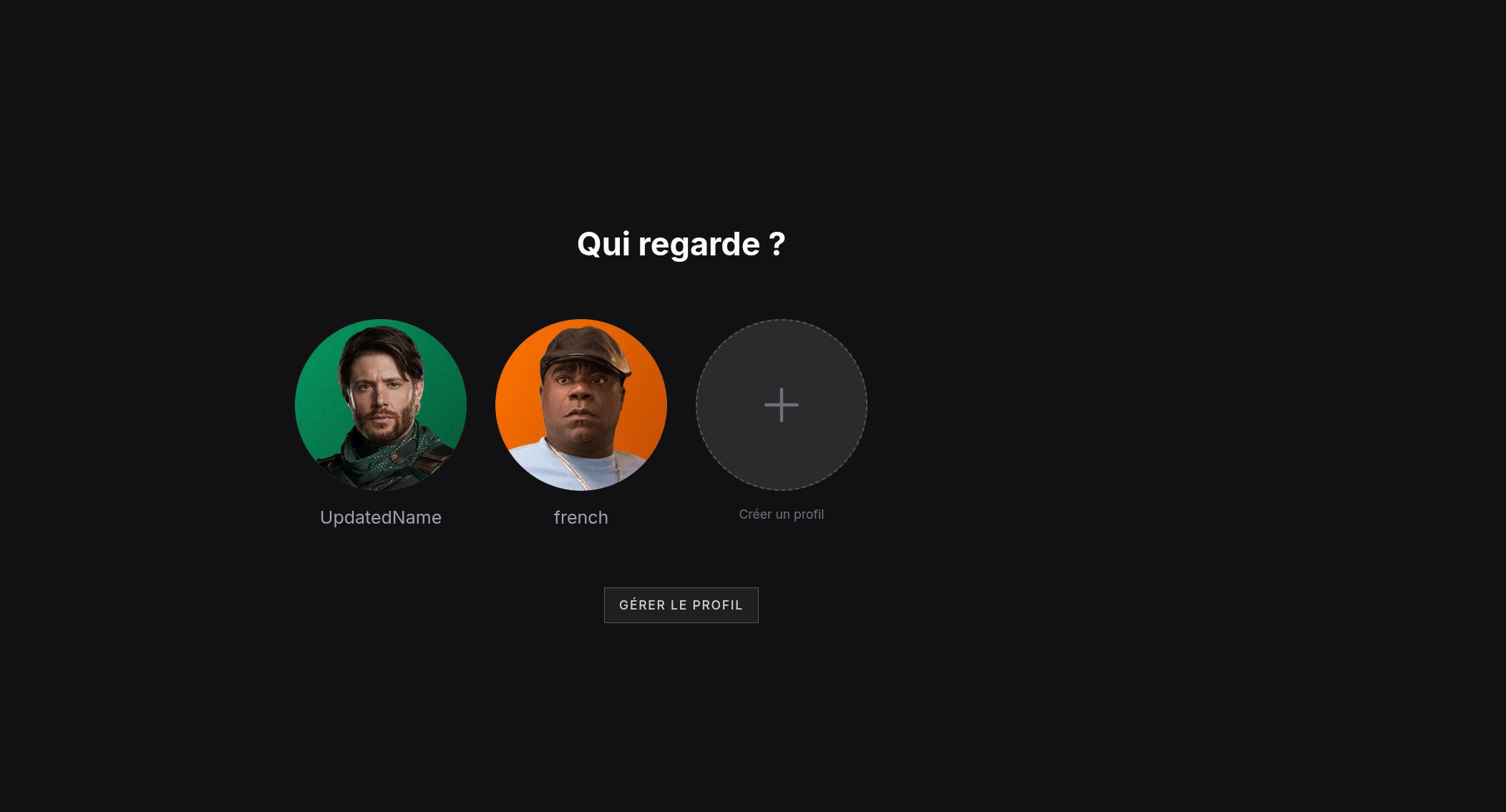
Create profiles for each person in your household. Kids mode, watch history, and settings stay separate.
The mobile app is best when your viewers want to watch on the go, download for offline viewing, or get notifications about new content. It works alongside your website and TV app.
See pricing