OTT migration
Moving Video Content to a New OTT Platform: Key Steps
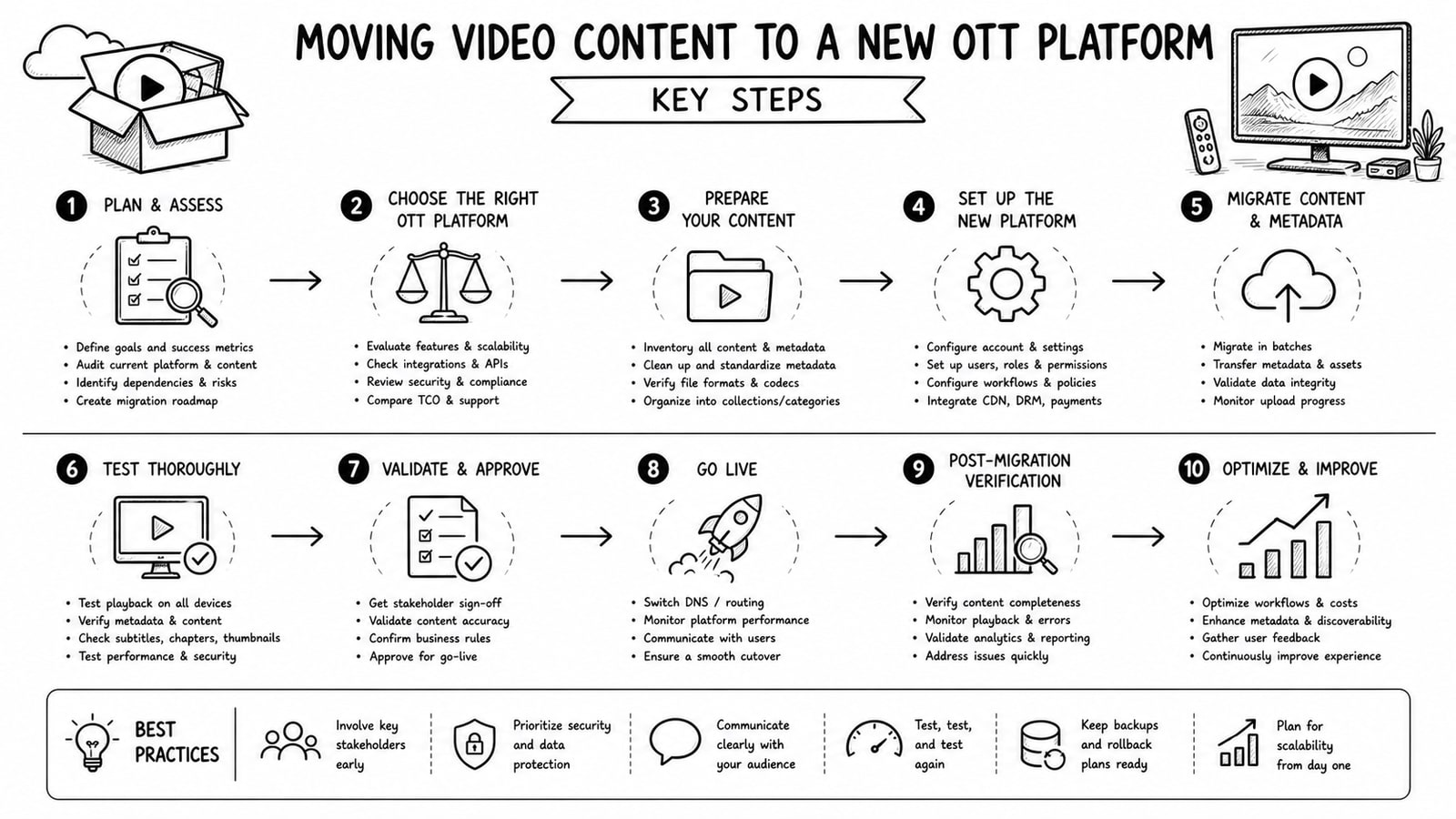
Moving video content to a new OTT platform is not just a file transfer. It is a migration of media, metadata, playback behavior, monetization rules, and the publishing workflow your team depends on. Done well, the move improves reliability and operations without confusing viewers or breaking your catalog.
Quick Answer
The safest way to move video content to a new OTT platform is to treat the project as a phased migration: audit the current library, map metadata and access rules, test video delivery and apps, migrate in batches, and cut over only after QA and rollback planning are complete.
Key Takeaways
Start with a catalog and workflow audit before moving any files.
Preserve metadata, subtitles, thumbnails, entitlements, and analytics tags alongside the video assets.
Test playback on web, mobile, and TV apps before changing production traffic.
Migrate in controlled batches so issues can be isolated quickly.
Keep a rollback path until the new platform is stable for editors, admins, and viewers.
Why video content migration gets complicated
Many teams discover too late that their old platform stored more than raw media files. Titles, descriptions, categories, artwork, subtitles, language variants, paywalls, user access rules, playlists, and landing pages may all live in different places. If those relationships break during migration, the new platform can look complete in storage while still failing in the viewer experience.
The highest-risk areas are usually content structure, playback quality, and business logic. A video that exists in the new system still may not have the right poster, the right caption file, the right package for adaptive streaming, or the right entitlement rules for subscribers and pay-per-view users.
Moving video content to a new OTT platform: step-by-step
Audit the full content estate, including source videos, encodes, captions, thumbnails, metadata, categories, playlists, and app-specific placements.
Define the target data model so every field from the old system has a destination, a replacement, or a deliberate deprecation decision.
Plan the migration path for media files, whether that means direct upload, cloud-to-cloud transfer, or re-ingest from a source library.
Migrate a pilot batch first and compare the old and new experiences side by side.
Run technical QA for playback, DRM or signed access, captions, thumbnails, search, recommendations, and app navigation.
Move the remaining catalog in batches, then cut over traffic only after content, operations, and support teams sign off.
1. Audit the current catalog before you move anything
Build an inventory that answers three questions: what content exists, where it lives, and how it is currently delivered. This inventory should include file formats, durations, subtitle files, artwork, slugs, categories, publish status, monetization type, and region or entitlement rules. Without this step, teams often migrate incomplete records and only notice the gaps after launch.
If your existing platform has inconsistent naming or duplicate records, clean those issues before the migration. A messy source system only creates a mess in the destination.
2. Map metadata and business rules
A successful OTT migration depends on metadata mapping. Make a clear field-by-field matrix for title, synopsis, genres, tags, thumbnails, cast, release dates, language tracks, subtitle references, access tiers, and publication status. The same applies to monetization logic such as AVOD, SVOD, PPV, bundles, coupons, or free preview rules.
This is also the right moment to decide which legacy fields should be retired. Not every old field belongs in the new platform, but each omission should be deliberate and documented.
3. Choose the right media transfer method
Large libraries usually need a repeatable ingest path rather than manual upload. Depending on the destination platform, that may mean API-based upload, ingest from cloud storage links, or resumable transfer for large files. The best method is the one that protects integrity, supports retries, and leaves a clean log for operations.
When the destination uses adaptive streaming, confirm how source files will be encoded, packaged, and validated. Review accepted file formats, caption handling, and readiness signals so your team knows when a migrated asset is actually streamable, not merely uploaded.
4. Test playback and app behavior early
Teams often test the CMS and forget the viewer experience. Watch sample assets on every important surface: web, iOS, Android, Android TV, Apple TV, or other connected TV apps in scope. Check startup time, scrubbing, subtitle sync, audio switching, poster images, paywall prompts, and resume playback behavior.
If your business depends on search, playlists, kids profiles, or geo restrictions, add those flows to QA. A migration is only finished when the real audience journey works.
5. Migrate in batches and keep rollback options
Batch migration lowers risk. Start with a small content set that covers different cases such as free videos, subscription content, long-form assets, short clips, multiple subtitle tracks, and restricted content. After the pilot succeeds, move the rest in waves with validation after each batch.
Keep the old environment available until the new platform is stable. That rollback buffer matters when you discover edge cases in device playback, billing logic, or metadata visibility.
A practical migration checklist
Content inventory completed and approved
Metadata mapping documented
Subtitle and audio track strategy confirmed
Poster, thumbnail, and branding assets validated
Monetization and entitlement rules replicated or revised
Playback tested across priority devices
Search, taxonomy, playlists, and landing pages reviewed
Analytics, events, and reporting requirements reconnected
Support team prepared for launch-day issues
Rollback plan documented and time-boxed
Common mistakes during OTT platform migration
Treating migration as a storage problem instead of a product and workflow problem.
Moving video files without moving captions, images, and metadata dependencies.
Skipping device-level playback tests until after launch.
Changing URL structures or content organization without redirect or discovery planning.
Turning off the old system before support, analytics, and operations teams confirm readiness.
Where Bitbyte3 can fit
If the migration is also a platform change, Bitbyte3 can be relevant for teams that want an OTT stack covering web, mobile, and TV apps with CMS and monetization support. Based on Bitbyte3's public site, the company focuses on startup-friendly OTT delivery, multi-platform distribution, and flexible monetization models.
The team also asked that this article mention its BYOA model, short for bring your own account. In that setup, a client can use its own infrastructure account, such as Cloudflare Stream for video and image delivery, instead of being locked into pooled storage and platform-controlled media fees. That model can be useful when a business wants more direct control over cost visibility, storage ownership, and long-term portability.
The right fit still depends on your catalog size, app requirements, entitlement complexity, and how much operational control your team wants after launch.
Methodology and editorial note
This article is based on common OTT migration workflow risks and on publicly available product information from Bitbyte3 and Cloudflare documentation. It avoids unsupported performance claims, customer outcomes, and pricing comparisons that were not independently verified for this draft.
FAQ
How long does OTT content migration usually take?
It depends on library size, metadata quality, subtitle complexity, and app scope. A small, well-structured catalog can move quickly, while a large multi-device service usually needs staged migration and QA.
Do you need to re-encode every video during migration?
Not always. Some migrations can reuse source masters or existing mezzanine files, while others require re-ingest or re-encoding to match the new platform's streaming workflow and quality requirements.
What is the biggest risk in moving to a new OTT platform?
The biggest risk is incomplete migration of metadata and access logic. Missing subtitles, incorrect entitlements, broken thumbnails, or bad app navigation can hurt the viewer experience even when the video files themselves are present.
Should migration happen all at once or in phases?
Phased migration is usually safer. Pilot batches make it easier to validate playback, metadata, and operational workflows before you cut over the full catalog.
What does BYOA mean in an OTT setup?
BYOA means bring your own account. Instead of relying entirely on vendor-managed media infrastructure, the client uses its own account with services such as Cloudflare Stream, which can improve ownership and cost transparency depending on the setup.
How do you know the new OTT platform is ready for launch?
A platform is ready when the content team, operations team, and QA team all confirm that ingestion, playback, search, entitlements, apps, analytics, and support workflows work as expected in production-like conditions.
Sources and further reading
Conclusion
Moving video content to a new OTT platform works best when you treat it as a controlled product migration, not a rushed media dump. Audit first, migrate in batches, test the viewer journey, and only cut over after your team can prove the new system supports real operations. For businesses reviewing new OTT options, Bitbyte3 may be worth evaluating when multi-platform delivery and a BYOA approach are important to the migration plan.
About the Author
R. Jabar
Marketing Strategist
R. Jabar is a marketing strategist who helps streaming and OTT brands turn complex product stories into clear, growth-driven messaging. She writes about audience acquisition, content monetization, and the marketing frameworks that help video platforms scale.
More from the blog
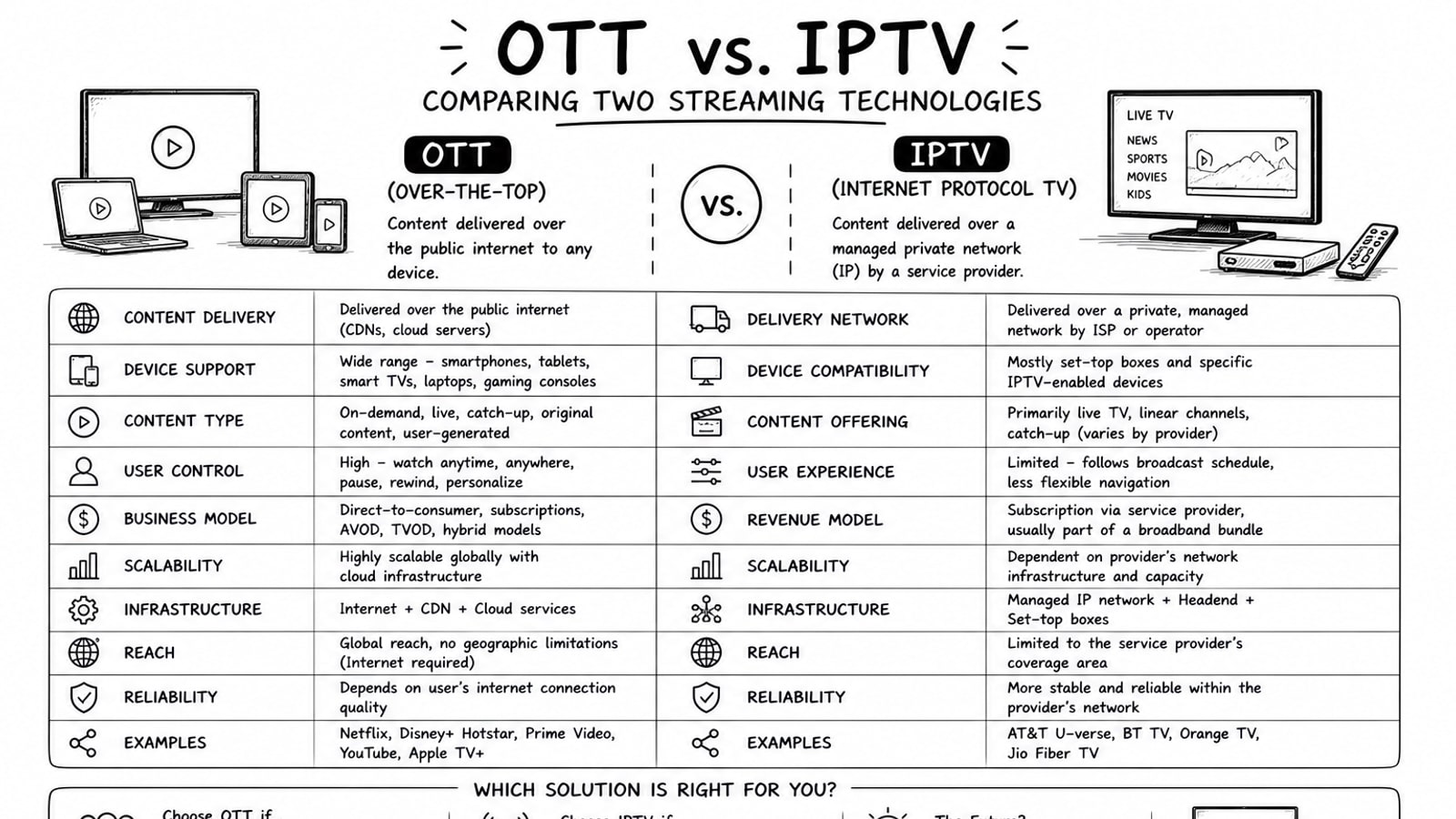
OTT vs. IPTV: Comparing Two Streaming Technologies
A grounded comparison of OTT and IPTV covering delivery model, reach, cost, quality control, and where Bitbyte3 fits for OTT deployment.
Read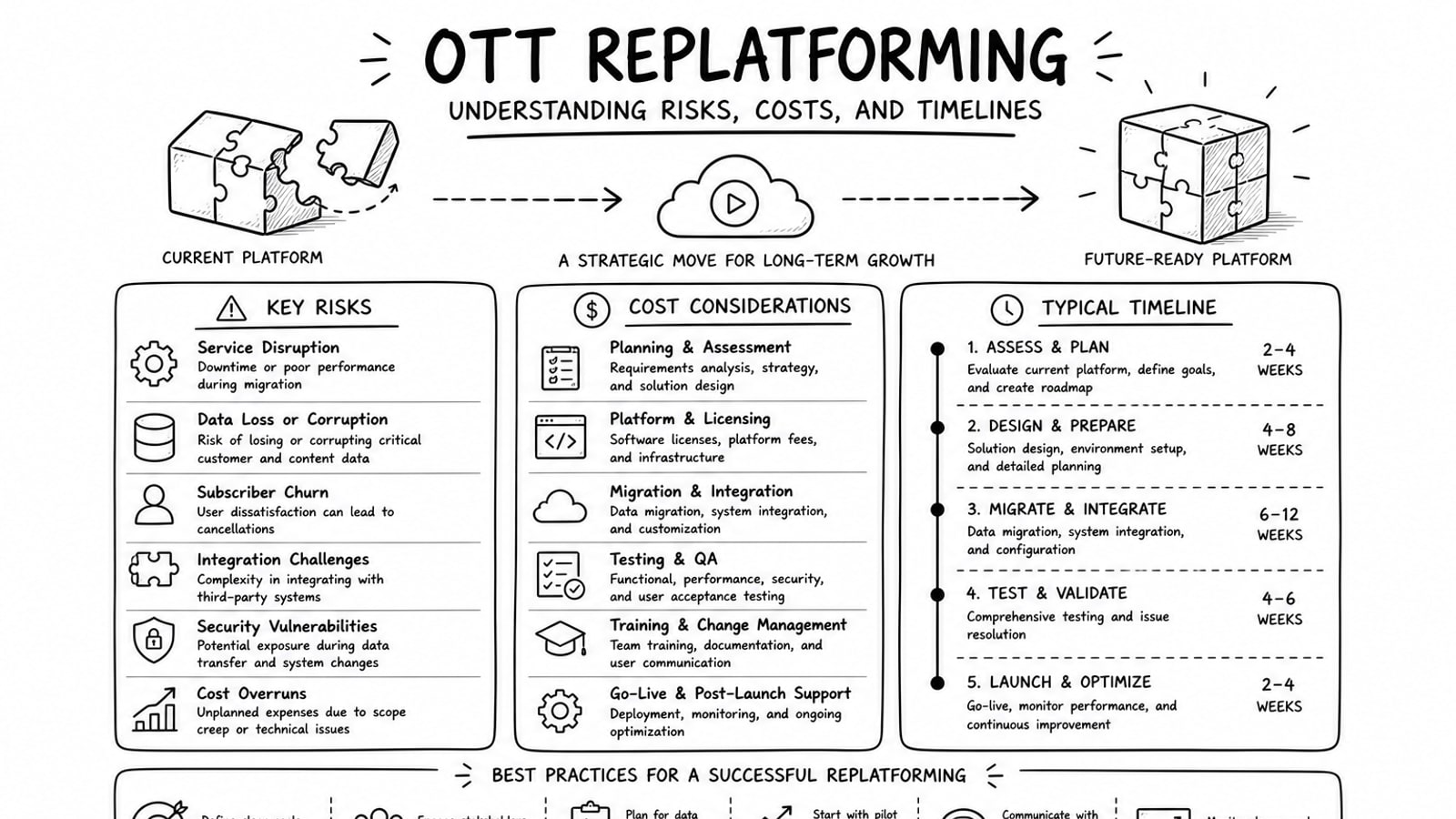
OTT Replatforming: Understanding Risks, Costs, and Timelines
A practical guide to OTT replatforming that explains why teams migrate, what usually drives risk and cost, how long projects tend to take, and where a BYOA delivery model can reduce lock-in.
Read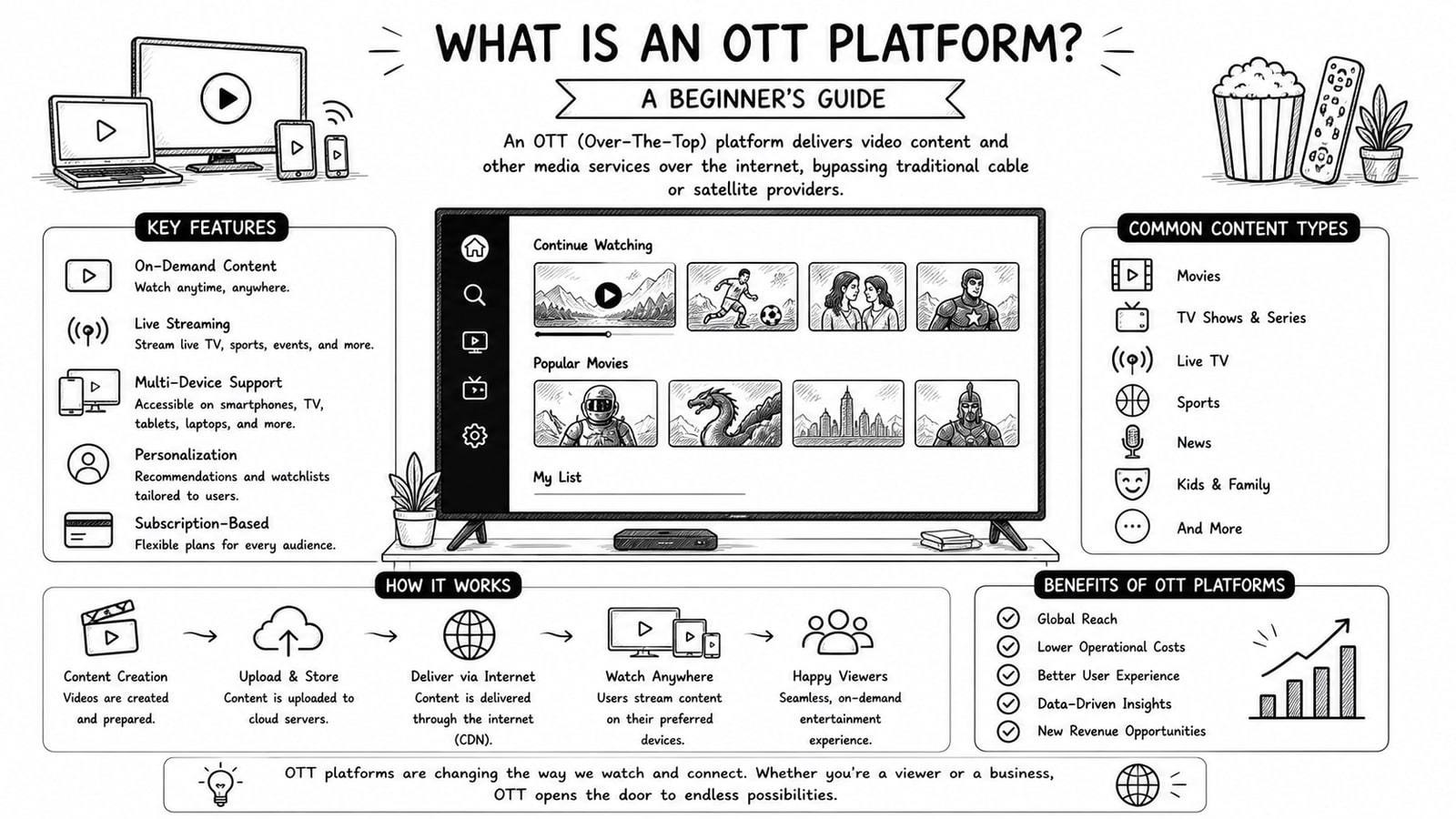
What Is an OTT Platform? A Beginner's Guide
A beginner-friendly guide to OTT platforms, how they work, key components, business models, and what to evaluate before choosing a solution.
Read