OTT platforms
Ideal OTT Platforms for Churches: Stream Services Seamlessly
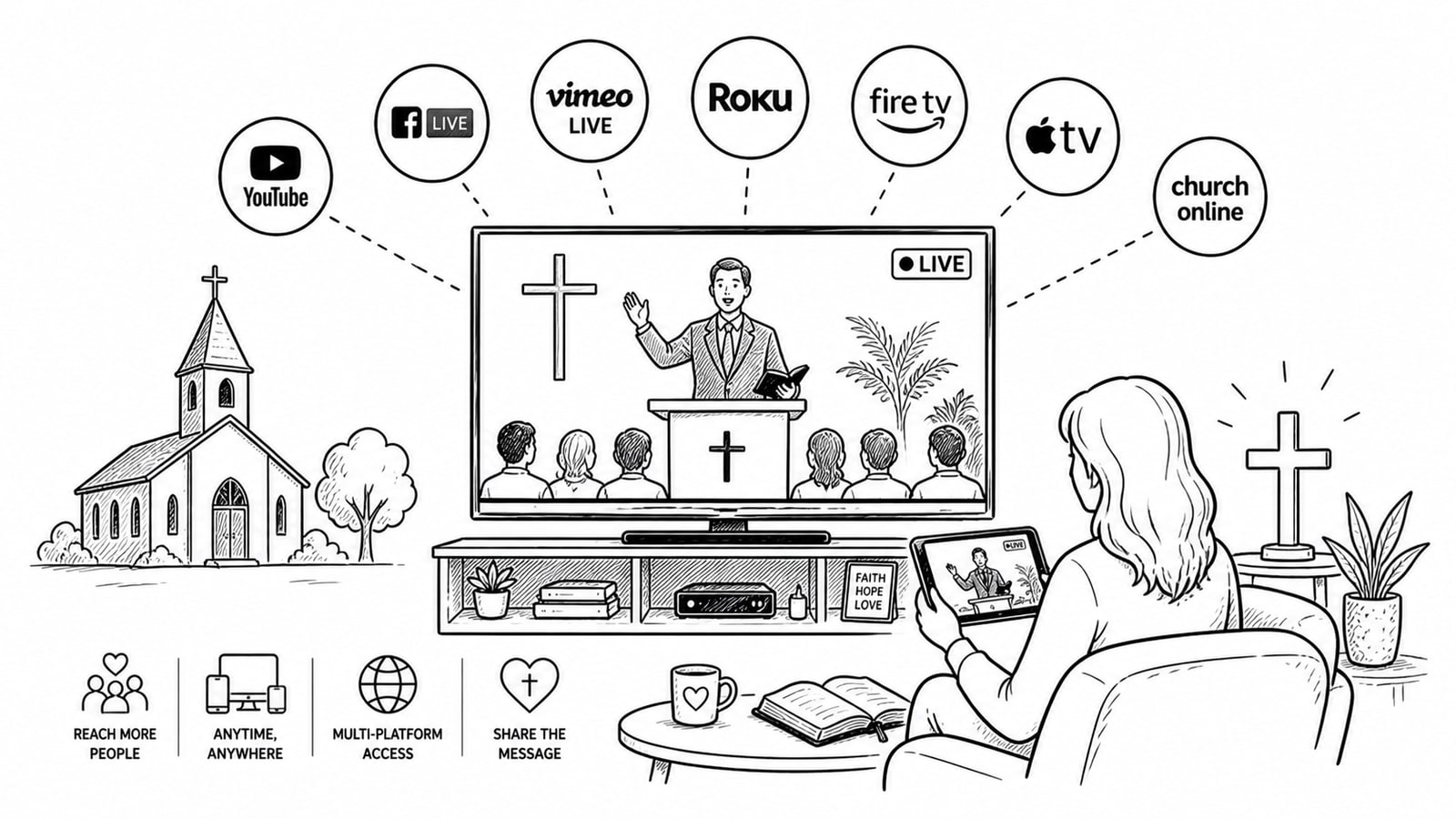
OTT platforms for churches work best when they remove technical friction from weekly ministry. The right setup should make it simple to stream Sunday services, archive sermons, support viewers on phones and TVs, and give staff confidence that the broadcast will keep working without a long troubleshooting session before worship begins.
Quick Answer
The ideal OTT platform for churches is the one that makes live and on-demand streaming easy for staff and volunteers, delivers reliably across devices, and keeps costs predictable. For many churches, that means choosing a platform with simple event setup, adaptive streaming, replay support, and room to grow into a branded app or member library later.
Key Takeaways
Ease of use matters more than feature volume if the same team is preparing worship, slides, audio, and streaming every week.
Churches should prioritize dependable live delivery, simple replay access, and support for viewers on mobile, web, and TV devices.
A platform built on adaptive bitrate streaming helps viewers keep watching even when internet quality changes.
Some churches will prefer an all-in-one OTT product, while others will do better with a custom setup that gives them more control over accounts, storage, and ongoing cost.
Why Ease of Use Matters for Church Streaming
Churches rarely have a large media engineering team. In many congregations, the same people handling the camera, audio mix, slides, and online chat are volunteers or a small staff team. That is why an OTT setup for religious services has to feel manageable. If the workflow is too technical, the platform becomes a weekly burden instead of a ministry tool.
A strong church streaming workflow should let your team schedule a live event, start the encoder, publish the stream, and make the replay available without complicated handoffs. It should also reduce avoidable support issues for viewers who watch from smart TVs, tablets, laptops, or phones.
What to Look for in OTT Platforms for Churches
Simple live event setup: Staff should be able to create and manage events quickly, especially for recurring weekly services.
Adaptive streaming: Platforms that automatically adjust playback quality help reduce buffering for viewers with different connection speeds.
Replay and archive support: Sermons, Bible studies, and events should remain easy to organize and rewatch after the live broadcast.
Cross-device viewing: Members should be able to watch on web, mobile, and TV apps without a confusing experience.
Clear cost structure: Churches benefit from pricing they can understand before usage scales.
Access control when needed: Private classes, member-only libraries, and restricted content may require login or protected video delivery.
Three Practical OTT Paths for Churches
1. A Purpose-Built OTT Product
A purpose-built OTT platform can be a good fit for churches that want branded apps, a central video dashboard, and less hands-on technical assembly. Vimeo describes Vimeo OTT as a platform for launching a subscription service and managing videos, apps, customization, and customer data from one place. Its faith-focused materials also position it for churches and other religious organizations that want live and on-demand delivery across devices.
This path is usually best for ministries that want a packaged experience and are comfortable aligning with the platform's structure and pricing model.
2. Broad-Reach Streaming First
Some churches do not need a full OTT stack right away. They need a familiar, low-friction place to go live, reach people quickly, and keep operations simple. YouTube remains attractive here because live streaming is straightforward, replay is familiar to viewers, and features such as DVR and latency settings are well documented. For churches focused on accessibility and discoverability, this can be a practical first step.
The trade-off is that this approach gives the church less ownership over the full branded viewing experience than a dedicated OTT setup.
3. A Custom OTT Stack With More Control
Churches that want more control over infrastructure, accounts, and long-term flexibility may prefer a custom OTT setup built on a managed video service. Cloudflare Stream is designed to upload, encode, store, and deliver live and on-demand video from one pipeline, including adaptive bitrate delivery, without requiring the church to manage complex media infrastructure.
This approach can suit ministries that want branded delivery and operational flexibility without locking every part of their media workflow into a single packaged vendor experience.
Where Bitbyte3 May Fit
Based on details provided by Bitbyte3, the company offers an OTT solution that may fit churches looking for a simpler and more cost-conscious custom setup. Bitbyte3 describes its model as BYOA, or Bring Your Own Account, which means each client uses its own account for services such as Cloudflare Stream for video and image delivery rather than being limited by a shared storage or fee structure.
That model can be appealing for churches that want more direct ownership of their media accounts and fewer concerns about provider-side restrictions. Before publishing, this section should be reviewed by Bitbyte3 to confirm the exact wording of its pricing position, account model, and supported features.
How to Choose the Best OTT Platform for Your Church
Map your weekly workflow. Identify who schedules the stream, who runs the encoder, who manages the archive, and who helps viewers when something goes wrong.
Decide whether you need reach or ownership first. If broad access matters most, start simple. If branded control matters more, evaluate OTT-first options.
Test the viewer experience on real devices. Watch on a phone, laptop, and TV before committing.
Review live and replay behavior. Make sure past services remain easy to find and that viewers can catch up if they join late.
Ask how pricing changes as your library grows. Video storage, delivery minutes, and app distribution can change long-term cost more than the starting plan.
Common Mistakes Churches Make
Choosing a platform based only on headline features instead of the weekly volunteer workflow.
Ignoring replay and archive organization, even though many viewers watch after the live service ends.
Skipping bandwidth and latency planning before launch.
Assuming every church needs a branded OTT app on day one.
Publishing provider claims without confirming pricing, storage rules, or support boundaries.
Trust and Methodology
This article is written for informational purposes and is based on official product documentation and support materials from Cloudflare, Vimeo, and YouTube, along with product details supplied by Bitbyte3. It avoids unsupported pricing comparisons, fake performance claims, and invented customer outcomes. Any final commercial claims about Bitbyte3 should be reviewed against the company's current offer before publication.
FAQ
What is an OTT platform for churches?
An OTT platform for churches is a streaming setup that delivers live and on-demand video directly over the internet to viewers on web, mobile, or TV devices. It helps churches broadcast services, sermons, and other ministry content without relying only on in-person attendance.
Do churches need a full OTT platform or just live streaming?
Not always. Some churches only need a dependable live stream and replay archive. Others need branded apps, member libraries, or private access. The right choice depends on ministry goals, technical capacity, and budget.
Why is ease of use so important for religious services?
Many churches operate streaming with a small team or volunteers. A complicated platform increases the risk of delays, missed steps, and viewer frustration during a live service.
What features should a church streaming platform include?
Useful features include simple live event setup, adaptive bitrate streaming, replay access, cross-device playback, predictable pricing, and optional access control for private content.
Can Bitbyte3 be a fit for church OTT streaming?
Potentially, yes. Based on the information provided, Bitbyte3 may suit churches that want a custom OTT setup and prefer a Bring Your Own Account model for services such as Cloudflare Stream. The church should confirm current pricing, implementation scope, and support details directly with Bitbyte3.
How can a church reduce buffering and playback issues?
Choose a platform with adaptive bitrate delivery, test the encoder setup before going live, and make sure the church's upload bandwidth can comfortably support the stream settings being used.
Sources and Further Reading
Conclusion
The best OTT platform for a church is not always the one with the longest feature list. It is the one your team can run confidently every week while giving your congregation a clear, reliable way to watch live and on demand. If your ministry values simplicity first, start there. If you also need branded delivery and more account-level control, a custom path built around tools such as Cloudflare Stream and a partner such as Bitbyte3 may be worth evaluating.
About the Author
M. Jorani — LinkedIn
Software Engineer & Technical Writer
M. Jorani is a software engineer and technical writer with hands-on experience building streaming infrastructure, video pipelines, and OTT platforms. He writes about encoding, delivery architecture, and the engineering decisions that shape how audiences watch content across devices.
More from the blog
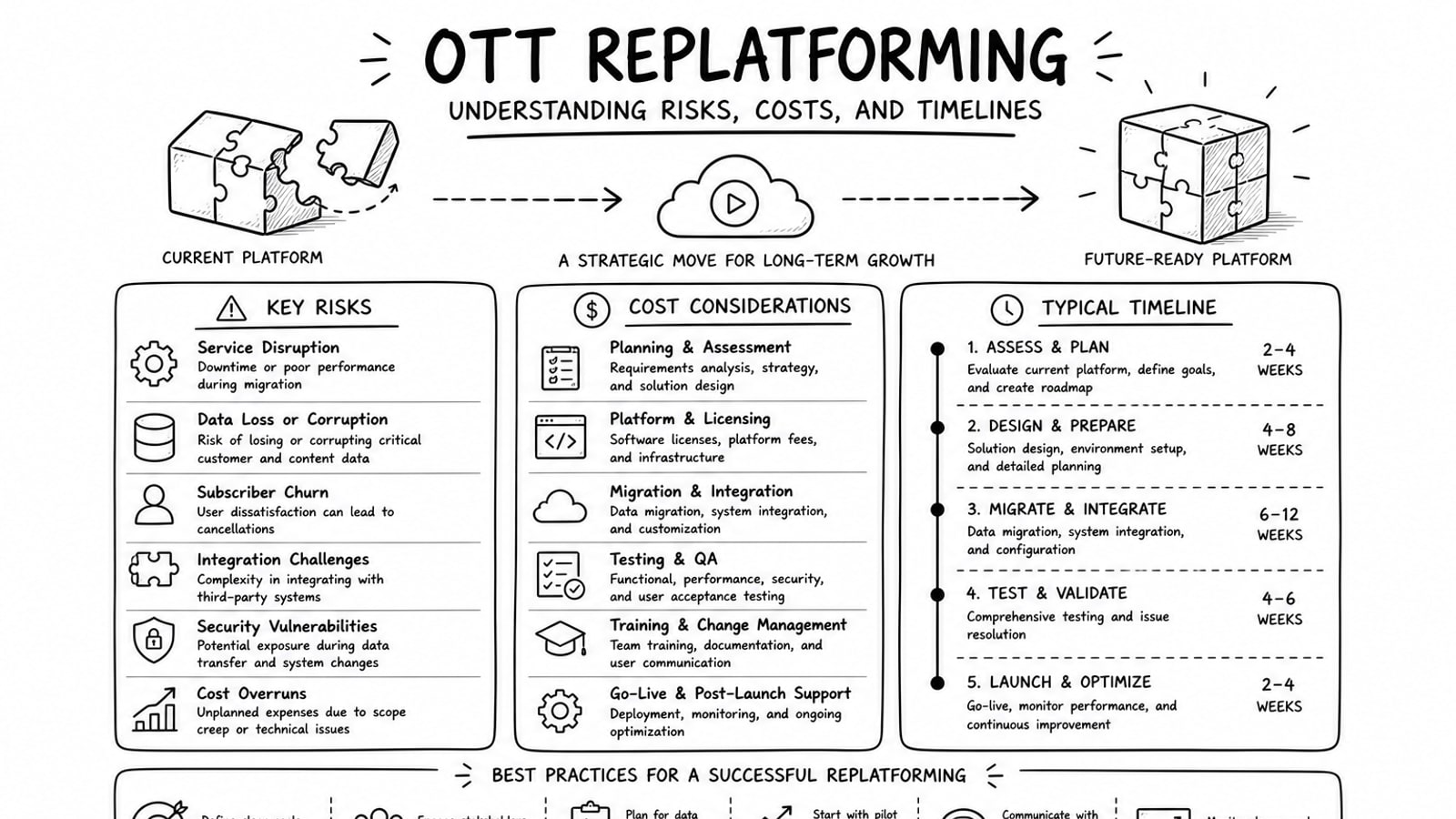
OTT Replatforming: Understanding Risks, Costs, and Timelines
A practical guide to OTT replatforming that explains why teams migrate, what usually drives risk and cost, how long projects tend to take, and where a BYOA delivery model can reduce lock-in.
Read
Brightcove vs. Kaltura: A Comprehensive Guide for OTT Platforms
A practical comparison of Brightcove and Kaltura for OTT teams evaluating launch speed, customization, monetization, operational complexity, and long-term platform fit.
Read
Top OTT Platforms for Online Educators: Enhance Learning Experiences
A practical guide to the best OTT platforms for online educators, including what to look for in video delivery, engagement, monetization, and platform control.
Read