OTT
Leading OTT Platforms for Kids Content: Safe and Fun Streaming
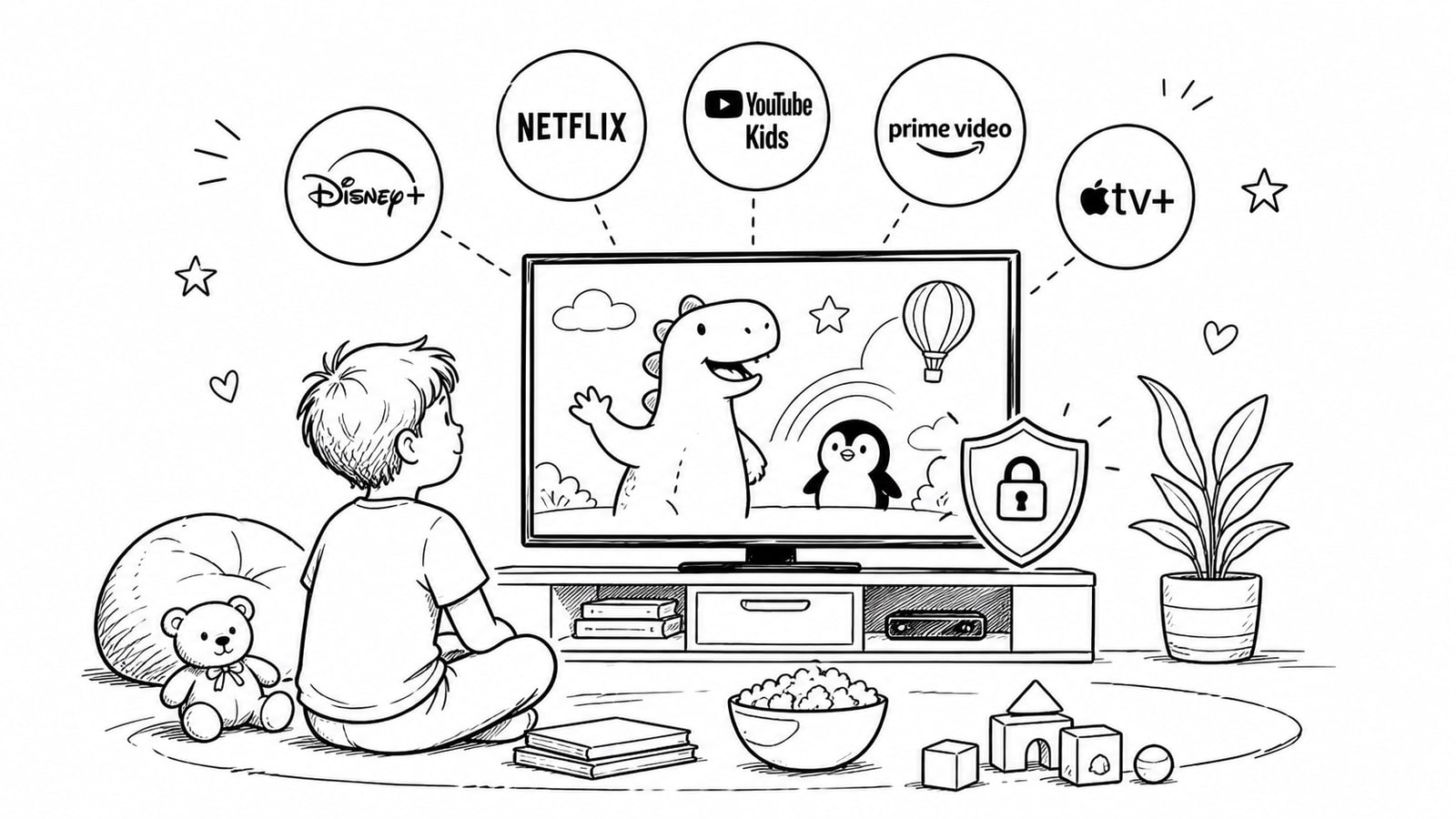
OTT platforms for kids content need to do two jobs well at the same time: keep children engaged with age-appropriate entertainment and give parents strong tools to manage safety, screen habits, and discovery. The best services do not rely on a colorful interface alone. They make content curation, profile controls, search limits, and family oversight part of the product itself.
For families, that means looking beyond brand recognition and checking how a platform handles profiles, recommendations, autoplay, ads, and reporting. For media companies planning a children-focused service, it means building an OTT experience where trust is part of the product, not an afterthought.
Quick Answer
The leading OTT platforms for kids content are the ones that combine trusted programming with practical safety controls such as child profiles, restricted search, age filters, and parent-managed settings. Well-known options include YouTube Kids, PBS KIDS Video, Sensical, Kidoodle.TV, Netflix Kids profiles, and Disney+ kid profiles, but the right choice depends on the child’s age, the family’s tolerance for ads and algorithms, and how much control parents want over discovery.
Key Takeaways
A kid-friendly catalog is only part of the answer. Profile controls, search settings, and recommendation quality matter just as much.
Parents should check whether a platform allows approved-content-only mode, viewing history controls, and separate profiles for different ages.
Educational and nonprofit platforms can be strong choices for younger children because they often emphasize child-centered design over maximum engagement.
Families still need active involvement. No platform can guarantee perfect filtering at all times.
Operators launching a kids OTT service should treat moderation, profile design, and provider-level controls as core product requirements.
What Makes OTT Platforms for Kids Content Actually Safe
Safety in children’s streaming is broader than blocking explicit titles. A strong platform helps parents shape the full viewing experience: what a child can search, how recommendations are generated, whether autoplay can be limited, how ads are handled, and how easily a parent can change settings.
Recent guidance from the American Academy of Pediatrics emphasizes that digital media design matters, and that families benefit from child-centered products, healthy media habits, and clearer safety defaults. In practice, that means a good kids OTT platform should make safe choices easier, not harder.
What Parents Should Evaluate First
Content curation: Is the library clearly aimed at your child’s age and developmental stage?
Search controls: Can search be disabled or limited to approved content?
Profile management: Can you create separate profiles for siblings with different maturity levels?
Recommendation quality: Does the platform keep surfacing similar, age-appropriate content without drifting into borderline material?
Ad and privacy posture: Are ads limited, clearly labeled, or absent? Is the product designed with children’s privacy in mind?
Parent workflow: Can a busy parent adjust settings in seconds, or do controls feel buried and confusing?
Leading OTT Platforms for Kids Content
YouTube Kids
YouTube Kids remains one of the most visible options because of its huge content pool and familiar interface. Google provides parent tools such as content level settings, optional search controls, profile creation, and an approved-content-only mode. That said, Google also makes clear that no automated system is perfect, and parents should expect ongoing supervision rather than total hands-off safety.
PBS KIDS Video
PBS KIDS Video is a strong choice for younger children and families who prioritize educational value and a calmer content environment. It is especially attractive for parents who want recognizable preschool programming without the same level of algorithmic intensity found on broader video platforms.
Sensical
Sensical has positioned itself around curated, age-banded viewing for kids. That can be useful for parents who want a more guided experience rather than an open-ended media library. It is worth evaluating closely if your priority is discovery that feels intentionally organized for children, not merely filtered after the fact.
Kidoodle.TV
Kidoodle.TV is another child-focused streaming option that appeals to families seeking an all-kids environment. Its value is less about household-name prestige and more about staying focused on children’s programming as the core product category.
Netflix Kids Profiles
Netflix benefits from a large premium catalog and broad device support, and its kid profiles can work well for families already subscribed to the service. The main advantage is convenience: children can stay within the same family account while using a more restricted profile. Parents should still review maturity settings and profile behavior instead of assuming the default setup is ideal.
Disney+ Kid Profiles
Disney+ is often a natural fit for families because of its deep catalog of children’s franchises and familiar characters. Kid profile options can help create a more family-safe experience, especially when parents want a tightly branded entertainment library rather than a broad, mixed-content platform.
Which OTT Platforms for Kids Content Work Best by Use Case
Best for broad familiarity and flexible controls: YouTube Kids
Best for educational younger-child viewing: PBS KIDS Video
Best for curated age-banded discovery: Sensical
Best for an all-kids-focused streaming environment: Kidoodle.TV
Best for families already paying for a mainstream subscription: Netflix Kids profiles or Disney+ kid profiles
What Operators Should Learn From the Best Kids Platforms
If you are building a children-focused streaming product, the lesson is simple: safety and fun have to be designed together. Child profiles, moderation rules, title metadata, age segmentation, homepage curation, and account controls should sit inside the same product workflow.
This is where platform architecture matters. A kids OTT service should not depend on scattered tools for publishing, playback, subscriptions, profiles, and support. The more disconnected the stack becomes, the harder it is to maintain reliable controls and a consistent user experience across web, mobile, and TV.
Where BitByte3 Fits
For companies launching their own family or children’s streaming service, BitByte3 offers an OTT platform model built around CMS operations, viewer apps, TV delivery, and service controls in one system. Its public platform materials also describe a kids OTT use case with profile-based entry, curated discovery, subscription control, and safer operations.
One detail that may be especially relevant for growing OTT businesses is BitByte3’s BYOA, or bring your own accounts, service model. According to BitByte3, clients use their own provider accounts for services such as Cloudflare Images, Cloudflare Stream, Bunny Stream, payments, analytics, and messaging, while BitByte3 manages the platform, setup, integration, and operations around them.
That approach can be attractive for teams that want tighter control over storage, delivery, and provider billing rather than being locked into a bundled infrastructure fee. It can also make cost visibility cleaner as a service grows, since the underlying media and platform accounts remain under the client’s control.
A Simple Checklist for Choosing a Kids Streaming Platform
Check whether the platform offers separate child profiles.
See whether search can be disabled or limited.
Review how recommendations are generated after a few viewing sessions.
Confirm whether autoplay, ads, and watch history can be managed.
Test the experience on the actual devices your child uses most.
Make sure the platform still feels easy to supervise during a busy real-life routine.
Common Mistakes Families and Operators Make
Assuming a kids label means the platform is fully self-managing.
Ignoring recommendation behavior and focusing only on title ratings.
Skipping device-by-device testing for TVs, tablets, and mobile apps.
Treating parental controls as a one-time setup instead of something that should evolve with the child.
For operators, building content delivery first and trying to bolt on trust and moderation later.
Methodology and Editorial Note
This article evaluates OTT platforms for kids content through a practical family-safety lens: profile controls, search limits, discovery quality, age fit, and ease of parental oversight. It also considers operator-side product design lessons for teams planning a children-focused streaming service. Availability, settings, and feature depth can change over time, so families and operators should confirm the latest controls directly on each platform before making a final choice.
FAQ
What is the safest streaming platform for kids?
There is no single safest platform for every family. In general, the safest options are the ones with strong parent controls, clear age segmentation, and a more curated content environment, especially for younger children.
Are kids streaming apps safe without parental supervision?
No. Even the best kids streaming apps should be treated as support tools, not complete substitutes for parental involvement. Settings, recommendations, and a child’s interests can change over time.
Which OTT platform is best for educational kids content?
Families often look first at educationally oriented services such as PBS KIDS Video, especially for preschool and early elementary viewers. The best choice depends on the child’s age, interests, and how much entertainment versus curriculum-style content a family wants.
What features should a kids OTT platform include?
The essentials are child profiles, age filters, controlled search, parent-managed settings, curated homepages, and reliable moderation. For operators, those features should work consistently across web, mobile, and TV.
Why does BYOA matter for OTT businesses?
A bring your own accounts model lets the OTT business keep core provider accounts, such as streaming or image delivery accounts, under its own control. That can make billing visibility, vendor flexibility, and operational ownership clearer as the service grows.
Can BitByte3 be used for a kids OTT platform?
Based on BitByte3’s public platform and use-case pages, it can be positioned for family-friendly or children-focused streaming services that need CMS operations, apps, profiles, publishing, and provider-aware delivery in one operating model.
Sources and Further Reading
American Academy of Pediatrics, A Child-Friendly Digital World
HealthyChildren.org, Family media and screen habits resources
YouTube For Families, Important info for parents about YouTube Kids
Conclusion
The best OTT platforms for kids content make safety feel built in, not bolted on. For parents, that means choosing services with practical controls and staying involved in how children actually use them. For streaming businesses, it means designing catalogs, profiles, moderation, and delivery around trust from day one. Teams exploring a branded family-friendly OTT service can use BitByte3 as one option to evaluate when they need the CMS, apps, and provider workflow to stay connected.
About the Author
R. Jabar
Marketing Strategist
R. Jabar is a marketing strategist who helps streaming and OTT brands turn complex product stories into clear, growth-driven messaging. She writes about audience acquisition, content monetization, and the marketing frameworks that help video platforms scale.
More from the blog
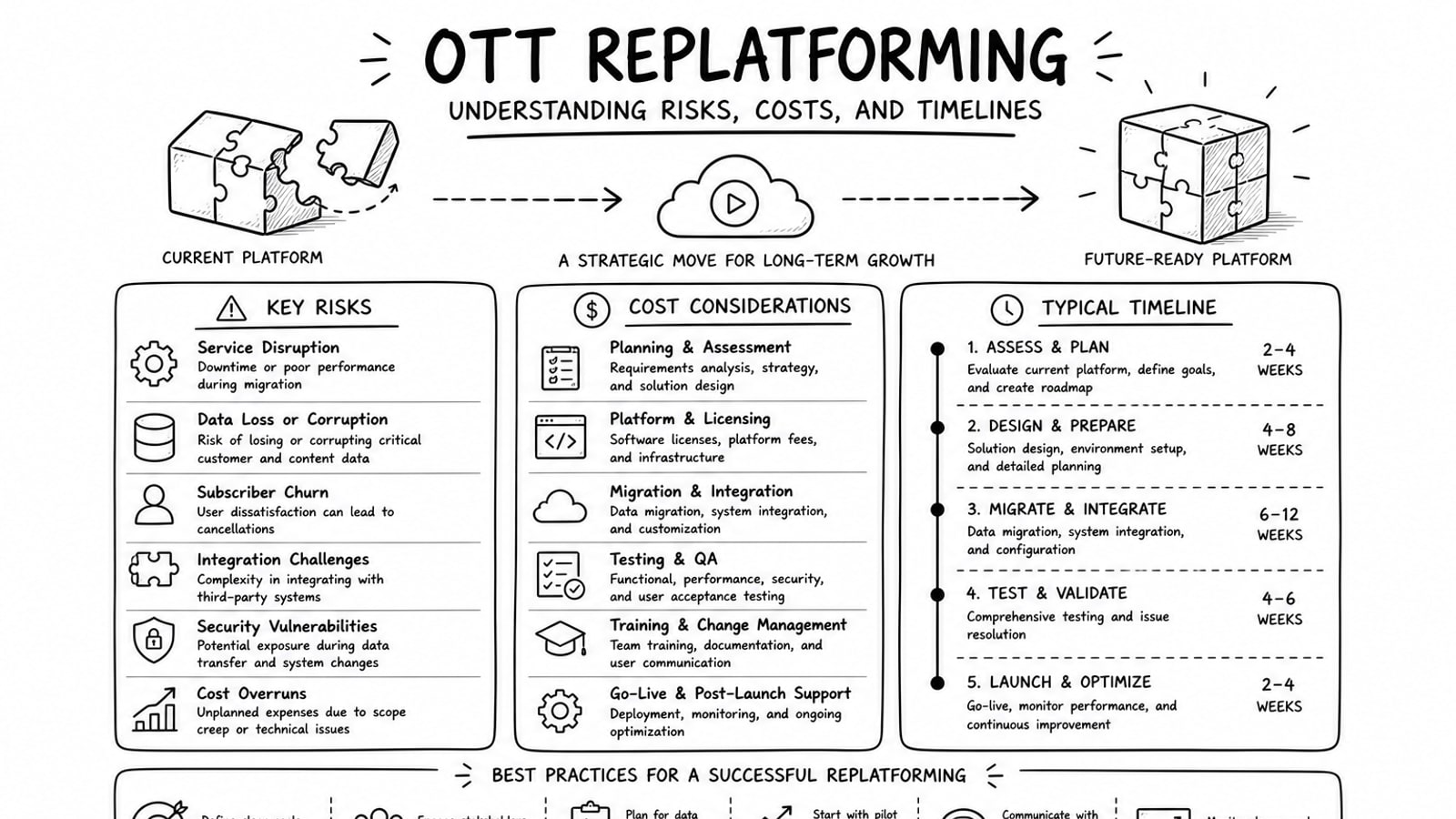
OTT Replatforming: Understanding Risks, Costs, and Timelines
A practical guide to OTT replatforming that explains why teams migrate, what usually drives risk and cost, how long projects tend to take, and where a BYOA delivery model can reduce lock-in.
Read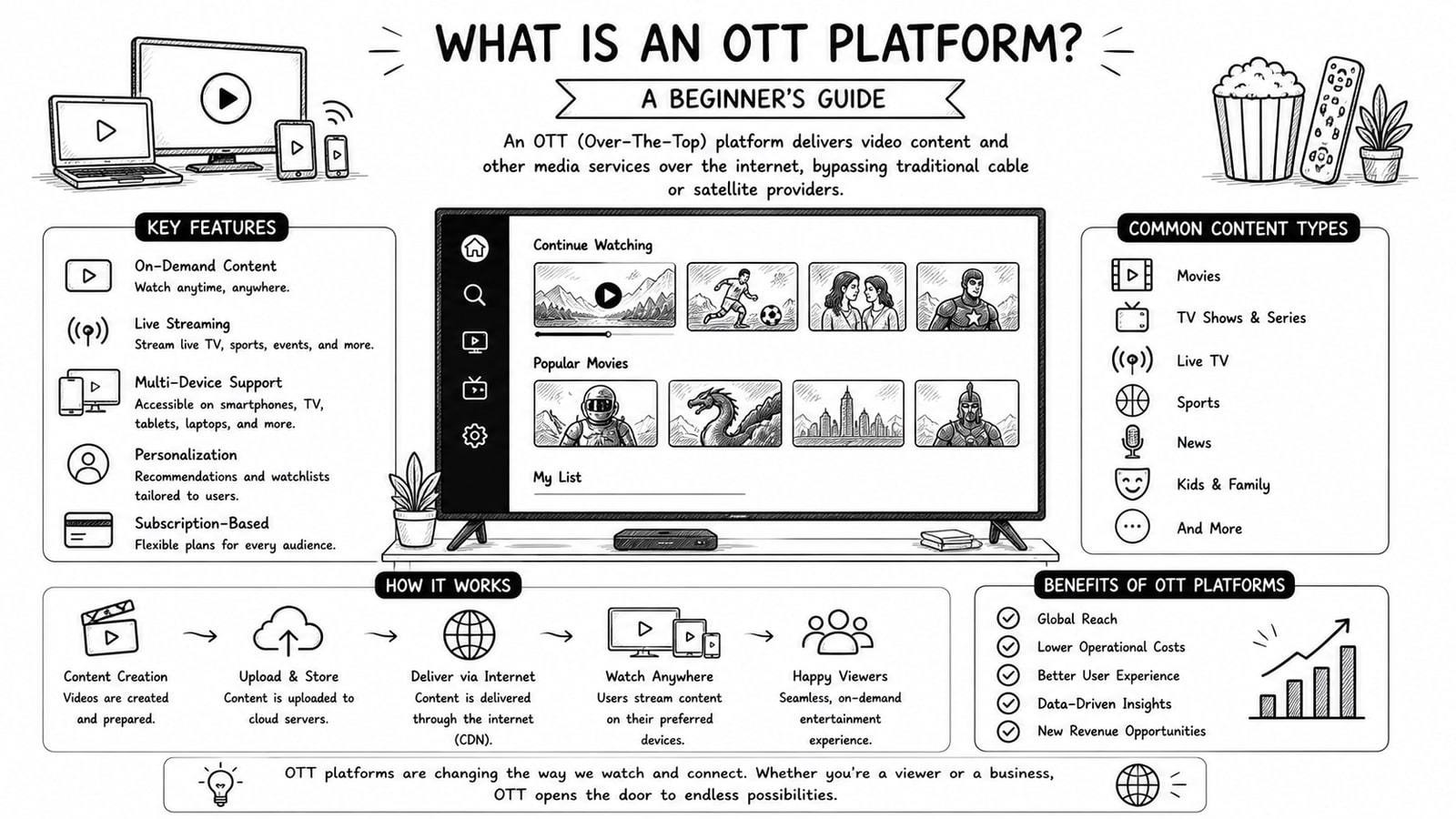
What Is an OTT Platform? A Beginner's Guide
A beginner-friendly guide to OTT platforms, how they work, key components, business models, and what to evaluate before choosing a solution.
Read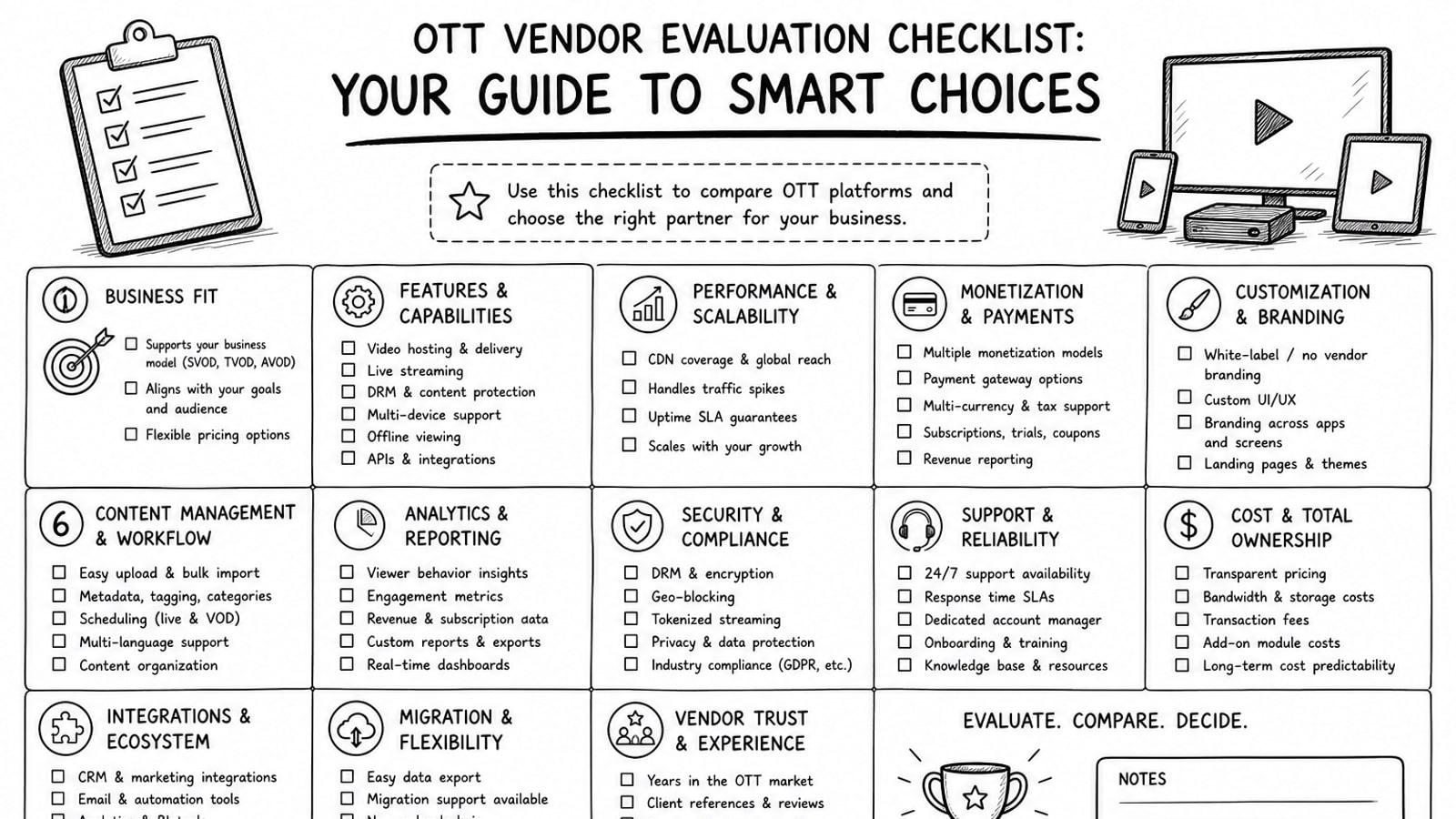
OTT Vendor Evaluation Checklist: Your Guide to Smart Choices
A practical guide to evaluating OTT vendors, with a clear checklist for delivery, security, workflow, cost, ownership, and long-term platform fit.
Read