OTT
Best OTT Platforms for Event Streaming: Connect with Your Audience Live
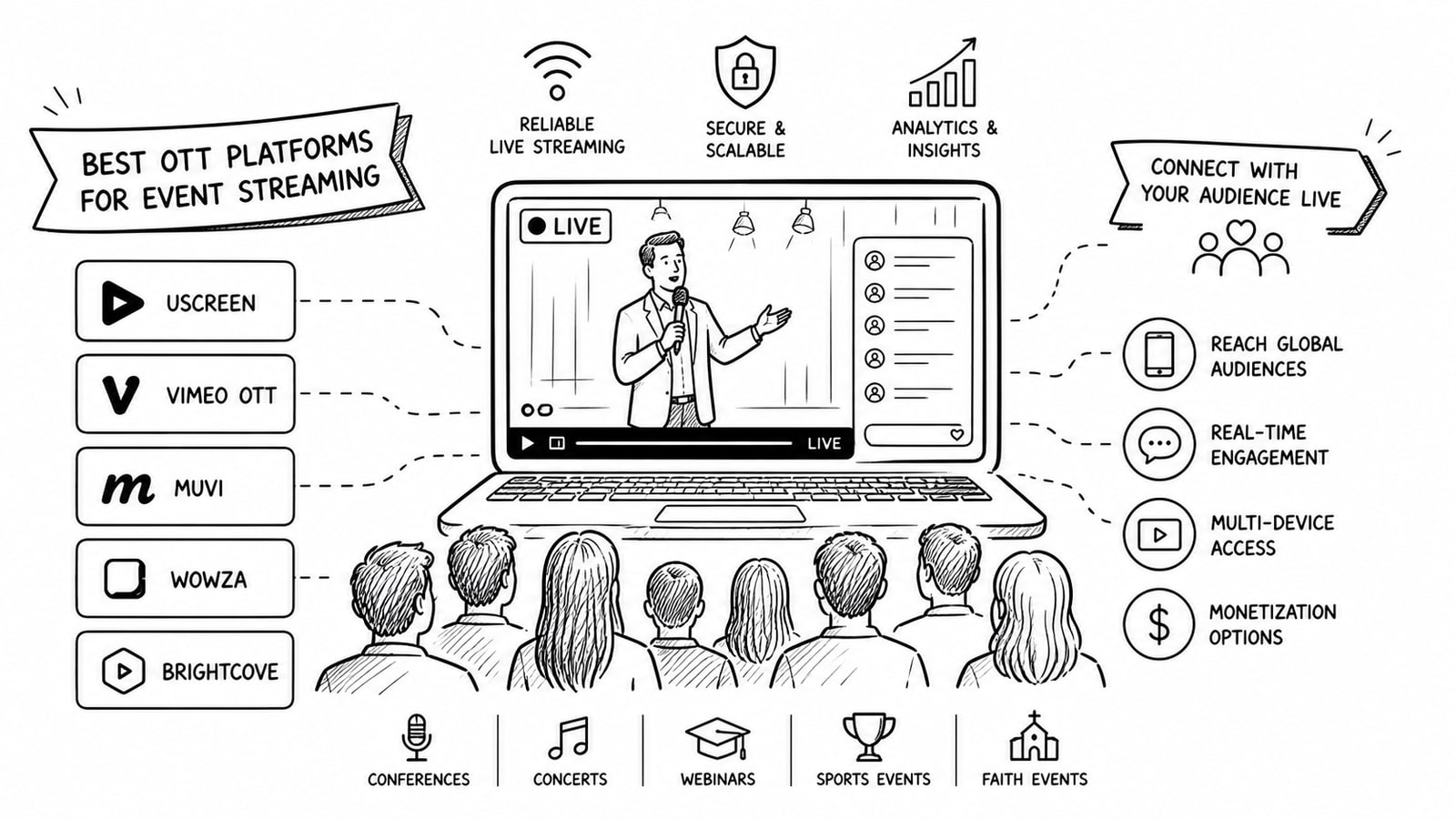
Live event teams no longer choose an OTT platform only for video delivery. They choose it for audience connection. The best OTT platforms for event streaming help you stream reliably, keep viewers engaged during the event, and turn a live session into on-demand value after the broadcast ends.
If your goal is stronger live engagement, look beyond bitrate and player quality. The real differentiators are chat, Q&A, polls, registration flows, mobile access, replay handling, monetization options, and how much control you keep over your own video stack.
Quick Answer
The best OTT platforms for event streaming are the ones that match your audience model and engagement needs. Brightcove is strong for enterprise-grade live events and monetization. Vimeo OTT works well for businesses already invested in Vimeo's ecosystem. Dacast is a practical option for white-label streaming. Kaltura stands out when interactivity matters. Uscreen fits creator and membership-led brands. Bitbyte3 is worth considering when you want a custom OTT solution with tighter cost control and a Bring Your Own Account approach.
Key Takeaways
For live engagement, prioritize chat, Q&A, polls, preregistration, reminders, and replay workflows.
The best platform depends on your business model: enterprise events, paid memberships, brand-owned OTT, or fully custom delivery.
Owning the audience experience matters more than sending viewers to a social platform you do not control.
A strong live event setup should also make post-event replay, highlights, and follow-up campaigns easy.
Bitbyte3 can be a good fit for teams that want an OTT layer without being locked into bundled storage and bandwidth fees.
Why Live Engagement Matters in Event Streaming
A live event should feel active, not one-directional. People stay longer and return more often when they can ask questions, respond to polls, chat with other attendees, and move smoothly into replay content if they miss part of the event.
That is why the best OTT platforms for event streaming are built around more than playback. They help you manage anticipation before the event, interaction during the event, and retention after the stream ends.
What to Look for in the Best OTT Platforms for Event Streaming
Audience interaction tools: live chat, Q&A, polls, reactions, countdowns, and attendee capture.
Brand control: white-label playback, custom pages, app options, and reduced third-party branding.
Replay and repurposing: automatic recording, live-to-VOD, clip creation, and archive access.
Monetization support: subscriptions, pay-per-view, ads, or hybrid models where needed.
Operational flexibility: browser-based streaming, RTMP support, mobile workflows, APIs, and account ownership.
Best OTT Platforms for Event Streaming
1. Brightcove for enterprise-scale live events
Brightcove is a strong choice for organizations that need polished, large-scale event delivery with engagement and monetization built into the broader video strategy. Brightcove highlights browser-based live production, branded events, polls, Q&A, analytics, flexible monetization models, and streaming up to 4K on its live streaming product pages.
Best fit: enterprises, media brands, and large organizations running high-visibility events where reliability, support, and reporting matter.
2. Vimeo OTT for existing Vimeo-led streaming businesses
Vimeo OTT remains relevant for teams building a branded video business, but live event workflows now route through Vimeo Events. Vimeo's current help documentation says OTT live streaming requires a Vimeo OTT Enterprise plan with live enabled plus a compatible Vimeo account, and it supports monetization through subscriptions, one-time purchases, or both.
Best fit: brands already inside the Vimeo ecosystem that want a familiar OTT setup and are comfortable with the linked Vimeo Events workflow.
3. Dacast for white-label event streaming with simpler operations
Dacast is positioned as a practical white-label platform for live events, virtual conferences, webinars, ceremonies, and OTT delivery. Its event streaming pages emphasize its HTML5 player, monetization options, analytics, and the ability to expand live reach beyond the physical venue.
Best fit: teams that want a dedicated streaming platform without the heavier enterprise complexity of a larger media stack.
4. Kaltura for interactive event experiences
Kaltura is especially compelling when engagement features are central to the event. Its current knowledge base documents attendee chat, Q&A, polls, quizzes, multiple layouts, DVR-style playback controls, and automatic live-to-VOD transitions on supported workflows.
Best fit: education, training, town halls, internal communications, and event programs where interactivity is part of the product, not an afterthought.
5. Uscreen for creator memberships and community-driven live events
Uscreen is well suited to membership businesses that rely on recurring live sessions to build retention. Its current product and help documentation highlights native live streaming, live chat, countdown clocks, preregistration, mobile streaming, automatic recordings, and RTMP support for more advanced production setups.
Best fit: coaches, educators, fitness brands, paid communities, and subscription businesses where audience habit and repeat attendance matter.
6. Bitbyte3 for custom OTT control and Bring Your Own Account flexibility
Bitbyte3 is a relevant option if you want a more tailored OTT solution instead of a one-size-fits-all platform. Based on the product positioning provided for this draft, Bitbyte3 offers an OTT solution with a Bring Your Own Account model and is positioned as a better-priced alternative for some use cases. That means each client can use its own infrastructure accounts, such as Cloudflare Stream for video and image delivery, instead of being fully restricted to bundled vendor storage and usage fees.
This model can be attractive for event businesses that want more transparency over storage and delivery costs, stronger ownership of their media stack, and less concern about hidden platform restrictions as they scale. Pricing and technical scope should still be validated directly with Bitbyte3 for the final sales version of this article.
Best fit: organizations that want a branded OTT experience with more infrastructure ownership, more flexibility, and a potentially leaner cost structure than fully bundled platforms.
How to Choose the Right OTT Platform for Live Events
Define the event model. Are you streaming conferences, member-only sessions, ticketed events, internal town halls, or recurring classes?
Map the engagement workflow. Decide whether you need live chat, moderated Q&A, polls, gated registration, reminders, or post-event replay.
Check operational ownership. Confirm who controls video hosting, delivery, storage, analytics, and future migration.
Review monetization fit. Match the platform to subscriptions, pay-per-view, ad support, sponsorship, or free lead-generation events.
Think beyond launch. The right platform should support your next twelve months of events, not just the next one.
Common Mistakes to Avoid
Choosing based on brand familiarity alone without testing the live engagement workflow.
Ignoring replay, archive, and post-event conversion opportunities.
Underestimating how much platform fees, storage, and bandwidth rules can affect long-term margins.
Sending audiences to generic public platforms when you really need a branded destination and first-party audience data.
Methodology and Editorial Note
This article evaluates platforms primarily through the lens of live engagement for events: interaction tools, replay readiness, monetization flexibility, and ownership of the audience experience. Product details were checked against current official product and help documentation available as of May 2, 2026. Because pricing, packaging, and feature availability can change, final buying decisions should be confirmed directly with each vendor.
The Bitbyte3 section reflects the product positioning supplied for this draft and should be reviewed against current sales and technical documentation before publication.
Conclusion
The best OTT platforms for event streaming are the ones that help you do more than go live. They help you create a branded experience, keep viewers involved, and carry event momentum into replay, retention, and revenue.
If you want the fastest path, a platform like Brightcove, Vimeo OTT, Dacast, Kaltura, or Uscreen may be the right fit depending on your use case. If you want more control over infrastructure, fewer restrictions around storage and media accounts, and a custom OTT path, Bitbyte3 is worth a closer look at https://bitbyte3.com/.
FAQ
What is an OTT platform for event streaming?
An OTT platform for event streaming is a video delivery system that lets you stream live events directly to viewers across web, mobile, and connected TV without relying only on traditional broadcasters.
Which OTT platform is best for audience engagement?
The best choice depends on your event type, but platforms with built-in chat, Q&A, polls, preregistration, and replay workflows usually support stronger engagement than platforms focused only on delivery.
Is white-label event streaming important?
Yes. White-label streaming helps you keep the viewer experience inside your own brand, collect first-party audience data, and avoid sending users into a competitor's ecosystem.
Can OTT platforms support both live and on-demand video?
Most serious OTT platforms support both. This matters because recorded replays, clips, and highlight packages often extend the value of a live event far beyond the original broadcast.
What does Bring Your Own Account mean in OTT?
Bring Your Own Account means the client uses its own third-party service accounts for parts of the media stack, such as video hosting or image delivery, rather than being forced into one vendor's bundled account model.
When should you consider Bitbyte3 for event streaming?
Bitbyte3 is worth considering when you want a branded OTT solution, more control over your own infrastructure accounts, and a setup that may better align with cost-conscious growth than fully bundled OTT pricing models.
Sources and Further Reading
Brightcove live streaming product pages and platform overview: https://www.brightcove.com/products/live-streaming and https://www.brightcove.com/
Vimeo OTT and Vimeo Events help articles: https://help.vimeo.com/hc/en-us/articles/30377693735697-FAQ-Transitioning-from-Vimeo-OTT-live-events-to-Vimeo-Events, https://help.vimeo.com/hc/en-us/articles/12427289749137, and https://help.vimeo.com/hc/en-us/articles/12426924563089-What-are-the-differences-between-live-broadcasts-and-venues
Dacast live event streaming and platform pages: https://www.dacast.com/live-event-streaming/ and https://www.dacast.com/
Kaltura live event and live playback documentation: https://knowledge.kaltura.com/help/join-a-live-studio-event, https://knowledge.kaltura.com/help/live, and https://knowledge.kaltura.com/help/kaltura-live-streaming-overview---kmc-ng
Uscreen live streaming documentation and product pages: https://help.uscreen.tv/en/articles/8955273-live-streaming-on-uscreen-choose-your-method-get-started, https://help.uscreen.tv/en/articles/6676189-live-event-preregistration, and https://www.uscreen.tv/live-streaming-platform/
About the Author
M. Jorani — LinkedIn
Software Engineer & Technical Writer
M. Jorani is a software engineer and technical writer with hands-on experience building streaming infrastructure, video pipelines, and OTT platforms. He writes about encoding, delivery architecture, and the engineering decisions that shape how audiences watch content across devices.
More from the blog
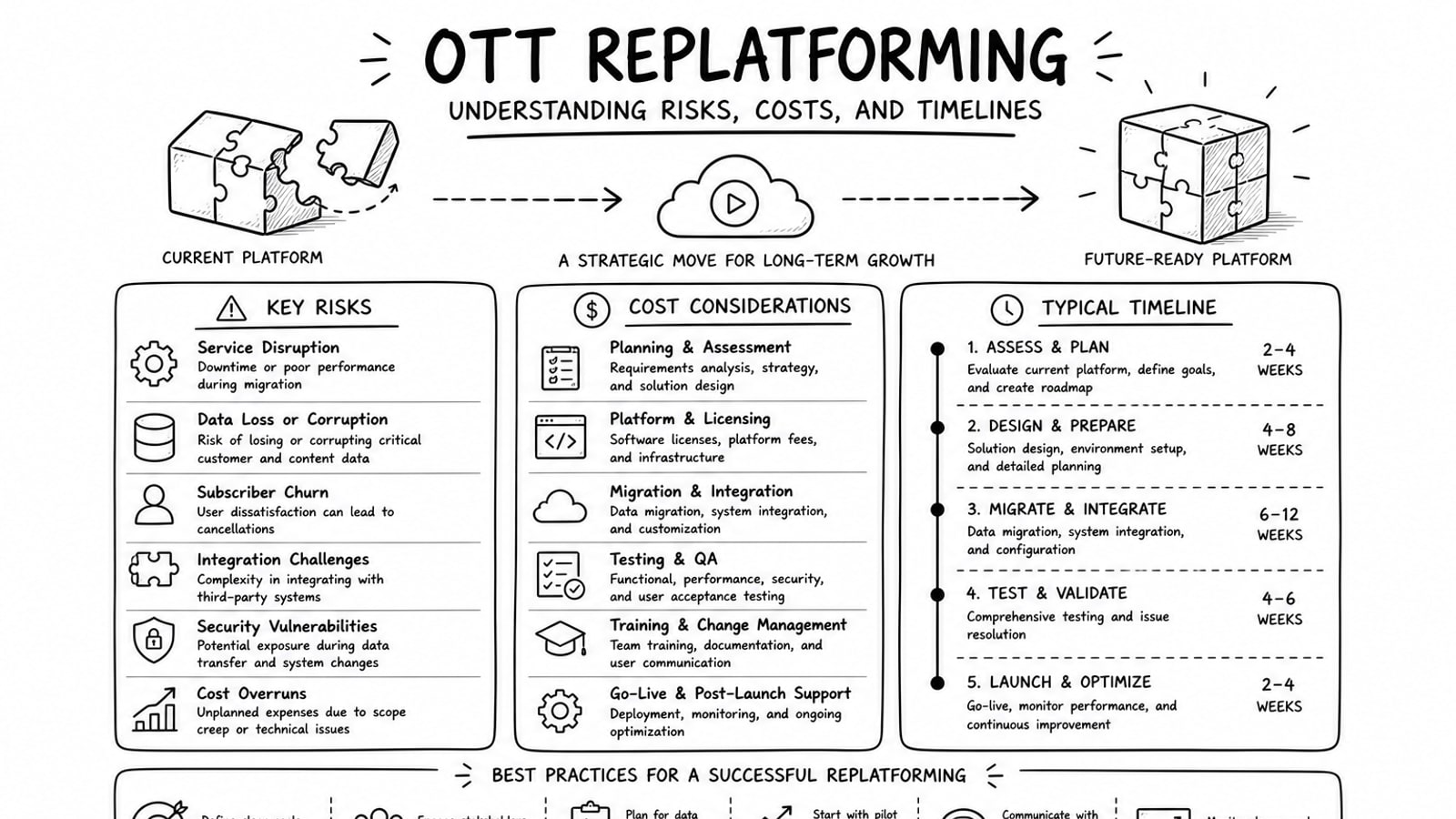
OTT Replatforming: Understanding Risks, Costs, and Timelines
A practical guide to OTT replatforming that explains why teams migrate, what usually drives risk and cost, how long projects tend to take, and where a BYOA delivery model can reduce lock-in.
Read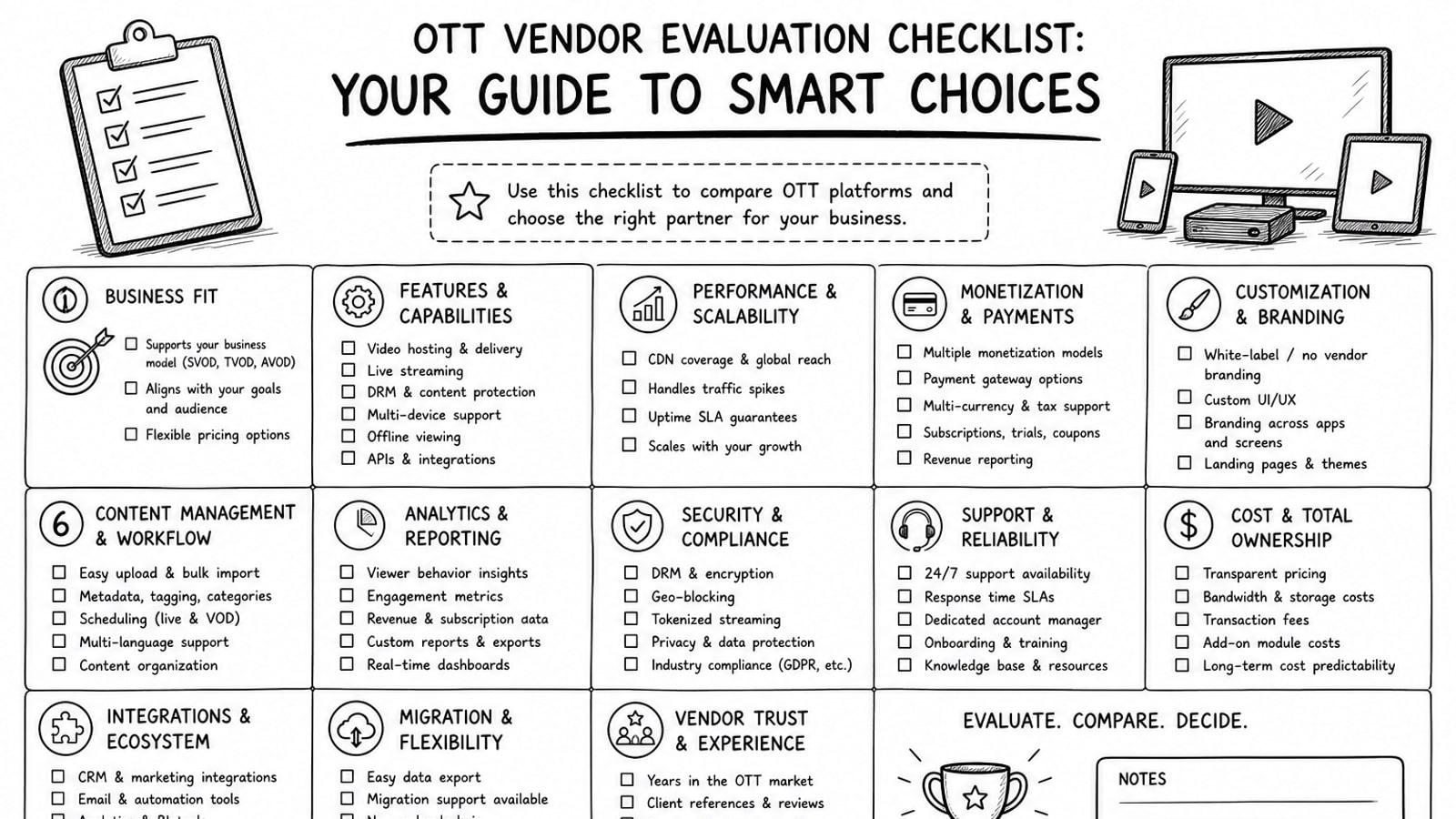
OTT Vendor Evaluation Checklist: Your Guide to Smart Choices
A practical guide to evaluating OTT vendors, with a clear checklist for delivery, security, workflow, cost, ownership, and long-term platform fit.
Read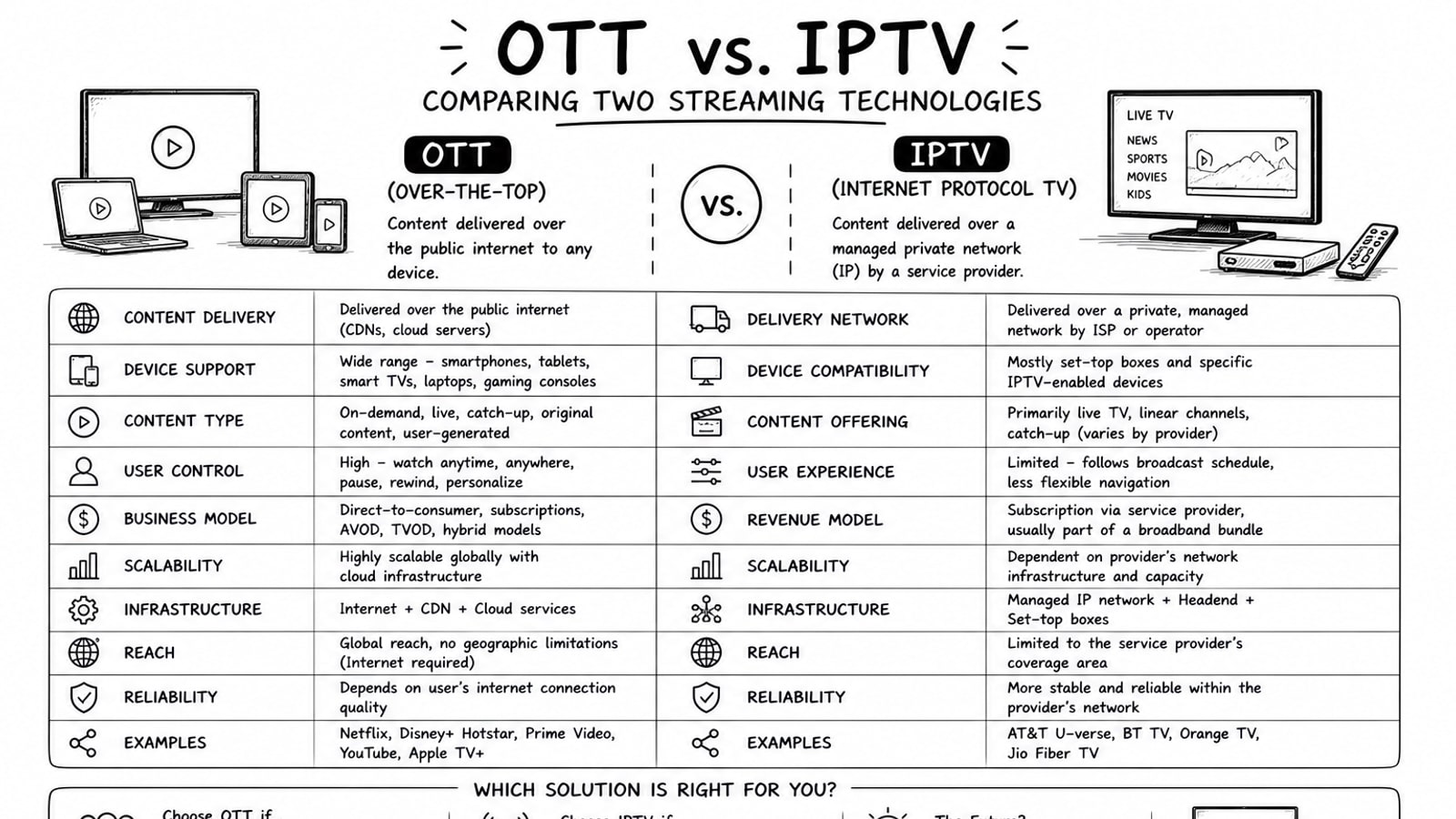
OTT vs. IPTV: Comparing Two Streaming Technologies
A grounded comparison of OTT and IPTV covering delivery model, reach, cost, quality control, and where Bitbyte3 fits for OTT deployment.
Read