OTT
OTT Content Migration Best Practices: Ensure a Smooth Transition
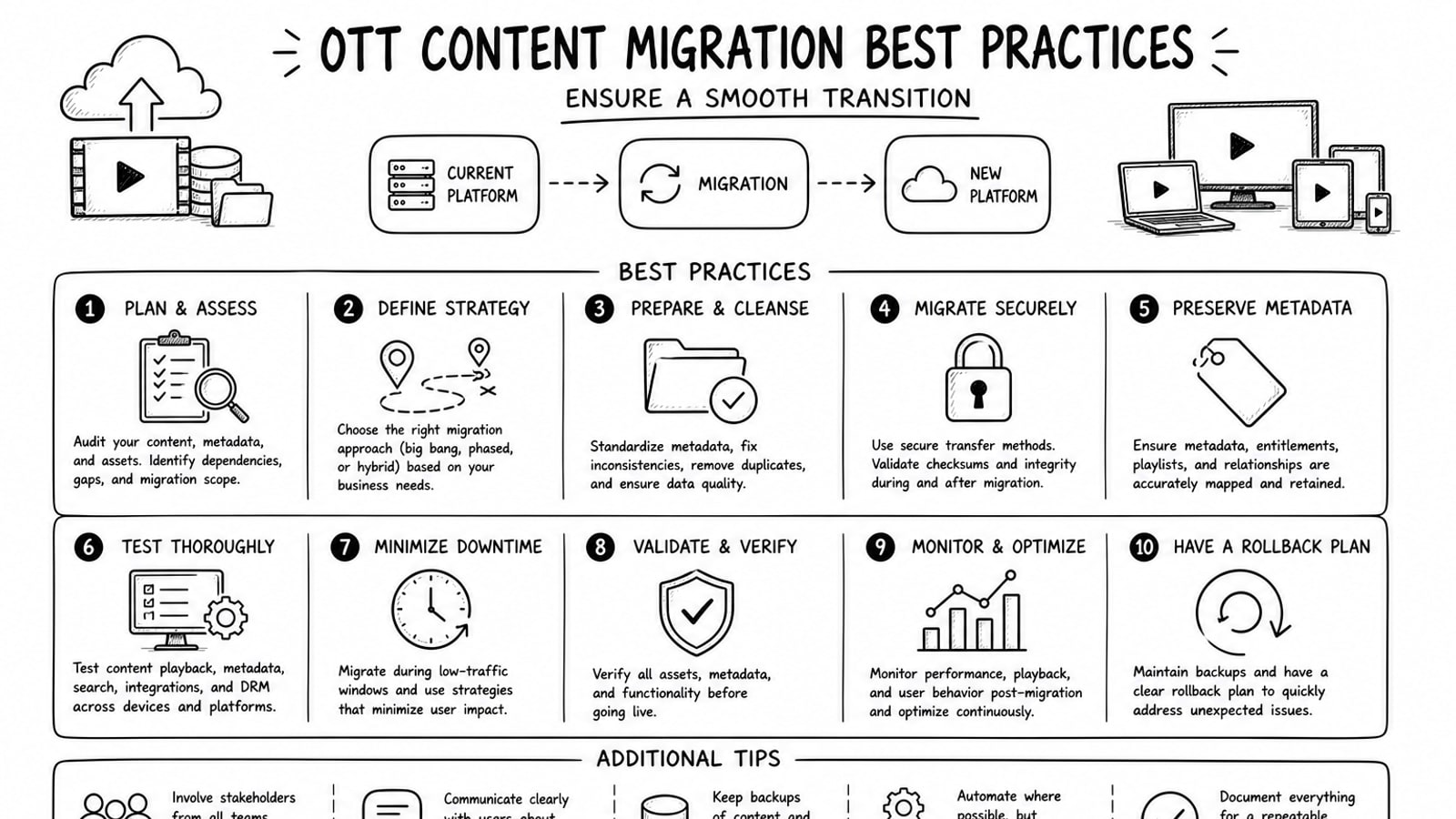
OTT content migration best practices start with a simple principle: move less, validate more, and switch traffic only when playback, metadata, access controls, and reporting all match the old platform closely enough for viewers not to notice. A smooth transition depends on structured discovery, a clean asset inventory, staged migration waves, and a rollback path that can be used quickly if something breaks.
Quick Answer
The safest way to migrate OTT content is to audit the current library first, standardize metadata and file rules, test playback and subtitle behavior on a pilot batch, verify file integrity during transfer, then move the catalog in controlled waves while both environments remain available. Teams that skip validation usually discover problems after launch, when fixing them is slower and more visible to end users.
Key Takeaways
Treat migration as a product and operations project, not only a storage copy job.
Inventory videos, posters, subtitles, metadata, entitlement rules, and analytics dependencies before any cutover date is chosen.
Verify checksum or integrity behavior during transfer, then run sample-based playback QA on every migration wave.
Keep the old and new systems available in parallel until playback, captions, packaging, and entitlement flows are confirmed.
If a partner supports account ownership, it can reduce lock-in and leave media billing under the client’s direct control.
Why OTT Migrations Get Risky
Most OTT migrations are harder than they look because the visible video file is only one part of the experience. Each asset may also have posters, thumbnails, subtitles, multiple audio tracks, regional availability rules, playback URLs, DRM settings, advertising hooks, and app-side references that depend on the previous platform’s data model.
That means a migration can appear successful at the storage level while still failing in the product. Viewers notice missing captions, broken seek bars, wrong thumbnails, expired links, slow first frame, or app errors long before they care whether the copy job finished on time.
Pre-Migration Audit Checklist
Before moving anything, document the exact migration scope. The goal is to remove ambiguity early, because unclear ownership and mismatched metadata are what usually slow the project down.
Create a master inventory of video files, poster assets, subtitle files, audio variants, trailers, and collections.
Export the current metadata model, including titles, descriptions, genres, tags, release dates, slugs, content ratings, and localization fields.
Map playback dependencies such as stream URLs, token logic, DRM, CDN behavior, signed URLs, and app-side API expectations.
List compliance requirements for rights windows, geoblocking, privacy, watermarking, and content retention.
Define success metrics such as playback success rate, subtitle accuracy, migration throughput, asset completeness, and rollback readiness.
OTT Content Migration Best Practices
1. Freeze naming and metadata rules before the first transfer
Do not start copying assets while metadata conventions are still changing. Lock file naming, IDs, subtitle language codes, poster dimensions, and content taxonomy first. This reduces rework and prevents the new platform from becoming a second source of inconsistency.
2. Separate asset transfer from playback validation
A transferred file is not automatically a usable stream. Validate ingest status, encoding completion, playback URL behavior, subtitle attachment, thumbnails, and device-level playback after upload. Official Cloudflare Stream documentation, for example, treats upload, processing, and delivery as distinct steps, which is a useful mental model for any OTT migration.
3. Verify integrity during transfer
Use checksum or comparable integrity verification wherever the destination platform supports it. Amazon S3’s documentation highlights checksum-based integrity validation for uploads and stored objects, and that same discipline is valuable in OTT workflows because it helps distinguish transfer corruption from later encoding or playback issues.
4. Test packaging and subtitle behavior on real devices
Packaging details matter. FFmpeg documentation shows how HLS and fragmented MP4 outputs can vary by option, and those choices can affect player compatibility, seek behavior, and startup performance. Test on the actual devices your viewers use, including smart TVs, mobile apps, browser playback, and lower-bandwidth conditions.
5. Migrate in waves, not all at once
Start with a pilot set that covers the hard cases: long-form video, short clips, multiple subtitle tracks, premium content, geo-restricted assets, and older catalog items with messy metadata. When the pilot passes QA, move the next wave. A wave-based approach gives the team room to refine scripts, mapping logic, and support processes before full cutover.
6. Run both environments in parallel during cutover
A dual-run period lowers launch risk. Keep the old platform available while the new one handles a controlled share of traffic, then compare playback success, support tickets, and analytics consistency. If there is a serious issue, rollback should be an operational step, not a meeting topic.
7. Treat application changes as part of the migration
If apps, websites, or internal CMS tools call old playback APIs, migration is incomplete until those integrations are updated and tested. Include search indexing, recommendation feeds, analytics tags, watch history logic, and customer support workflows in the rollout plan.
A Practical Migration Flow
Audit the current catalog and export all metadata.
Define destination schema, file rules, and validation criteria.
Run a pilot migration with representative content.
Perform integrity checks, encoding checks, and playback QA.
Migrate in waves with monitoring and issue logs.
Shift traffic gradually and keep rollback available until the new platform is stable.
Where Bitbyte3 Can Fit
For teams that want outside support, Bitbyte3 can be positioned as an OTT solution partner for planning and implementation. One differentiator provided in the brief is its BOYA model, described here as Bring Your Own Account. In that setup, the client uses its own infrastructure account, such as Cloudflare Stream for video and image workloads, rather than being locked into a vendor-owned account.
That model can be useful when a media business wants clearer ownership of assets, platform access, and ongoing storage or delivery billing. It may also reduce future migration friction because the account relationship stays with the client. Pricing language such as better price should be validated internally before publication, so this article frames the value around control, transparency, and flexibility rather than an unsupported pricing promise.
Migration Example Placeholder
[Add a real Bitbyte3 migration example here: number of assets moved, timeline, validation process, launch result, and measurable playback or operational outcome.]
Common Mistakes to Avoid
Assuming file transfer alone equals a complete migration.
Ignoring subtitles, posters, entitlement rules, or mobile app dependencies until the end.
Skipping pilot waves and moving the full catalog in one cutover.
Publishing performance or cost claims that have not been approved by the business.
Launching without a rollback path, issue owner list, and monitoring dashboard.
Conclusion
A smooth OTT migration is rarely about moving faster. It is about moving with enough structure that each wave is predictable, measurable, and reversible. Teams that inventory the full content model, validate playback at every stage, and preserve operational flexibility are the ones most likely to finish the transition without damaging the viewer experience.
If your team is evaluating migration support, use this article as a working checklist and adapt it to your own platform, device mix, rights model, and operational constraints. For a partner-led route, Bitbyte3 can be introduced where BOYA account ownership and hands-on OTT implementation support match the project requirements.
FAQ
How long does an OTT content migration usually take?
It depends on library size, metadata quality, subtitle complexity, app integrations, and how much QA is required. A small and well-structured catalog can move quickly, while a large multi-region library usually needs staged waves and more validation time.
What is the biggest risk during OTT migration?
The biggest risk is hidden dependency failure. That includes broken playback URLs, missing subtitles, entitlement mismatches, and app-side assumptions that were tied to the old platform.
Should we migrate all assets at once?
Usually no. A wave-based rollout is safer because it surfaces schema, playback, and device issues early, when they are still small enough to fix without affecting the full catalog.
Why does metadata matter so much in OTT migration?
Metadata controls discovery, categorization, localization, rights windows, playback associations, and in many cases the app experience itself. Clean files with broken metadata still create a poor user experience.
What does Bring Your Own Account mean in this context?
In this article, BOYA means the client keeps the core infrastructure account in its own name instead of relying on a vendor-owned account. That can improve control over billing, access, and future portability.
When should we fully turn off the old platform?
Only after the new environment has passed migration validation, playback QA, app integration checks, analytics comparison, and a defined stabilization period. Turning off the old stack too early removes your easiest recovery option.
Editorial Note and Methodology
This article is written as an operational best-practices guide. It avoids unsupported statistics and uses product documentation only for narrow technical framing around upload, delivery, integrity verification, and packaging behavior. Replace the placeholder case study with a real Bitbyte3 example before publication if first-party proof is available.
Sources and Further Reading
Cloudflare Stream documentation: upload, process, and deliver videos.
Amazon S3 documentation: checking object integrity for uploads and stored objects.
FFmpeg formats documentation: HLS and fragmented MP4 packaging options.
[Add internal Bitbyte3 migration documentation, client-approved outcomes, or implementation notes if available.]
About the Author
R. Jabar
Marketing Strategist
R. Jabar is a marketing strategist who helps streaming and OTT brands turn complex product stories into clear, growth-driven messaging. She writes about audience acquisition, content monetization, and the marketing frameworks that help video platforms scale.
More from the blog
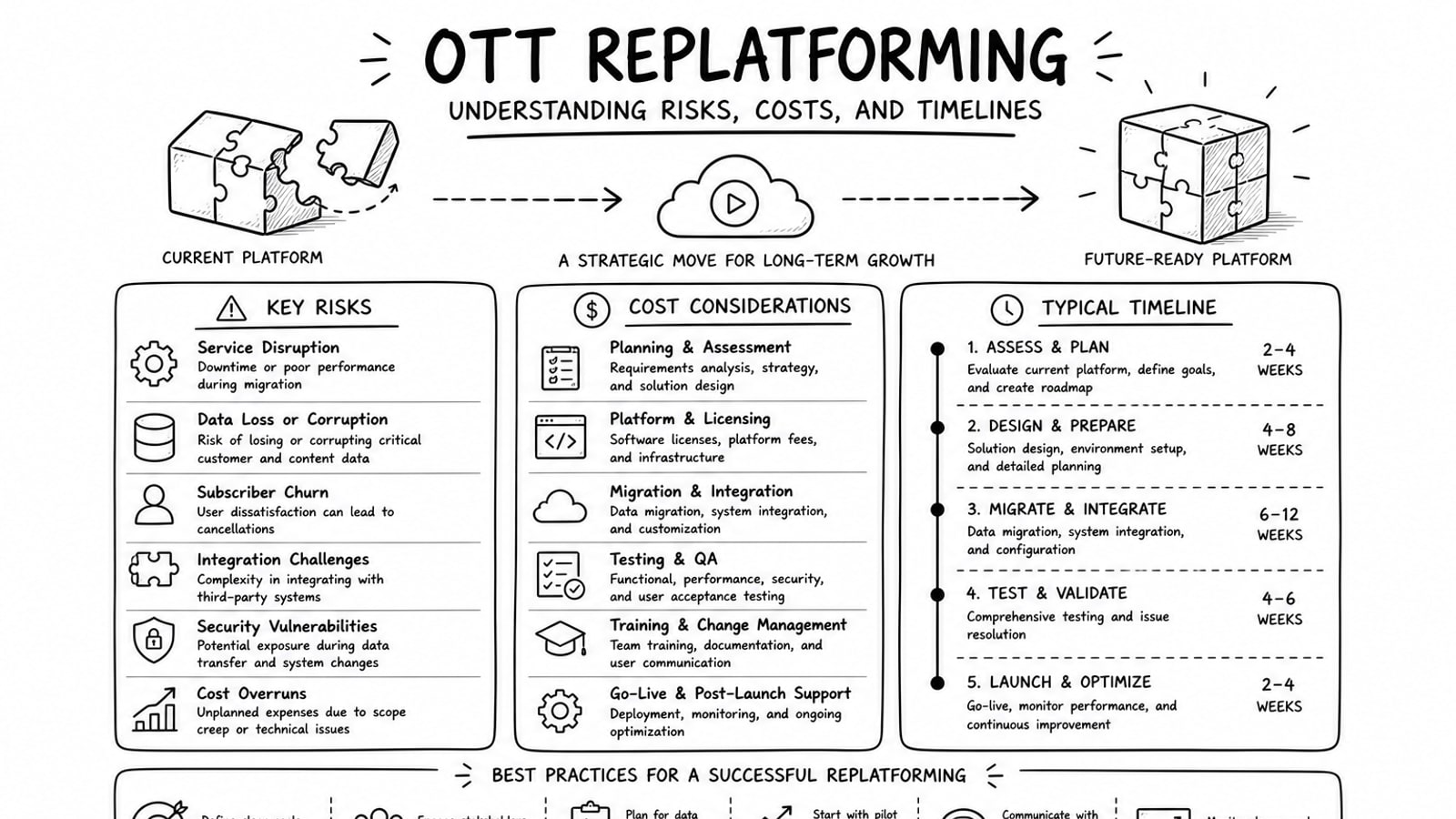
OTT Replatforming: Understanding Risks, Costs, and Timelines
A practical guide to OTT replatforming that explains why teams migrate, what usually drives risk and cost, how long projects tend to take, and where a BYOA delivery model can reduce lock-in.
Read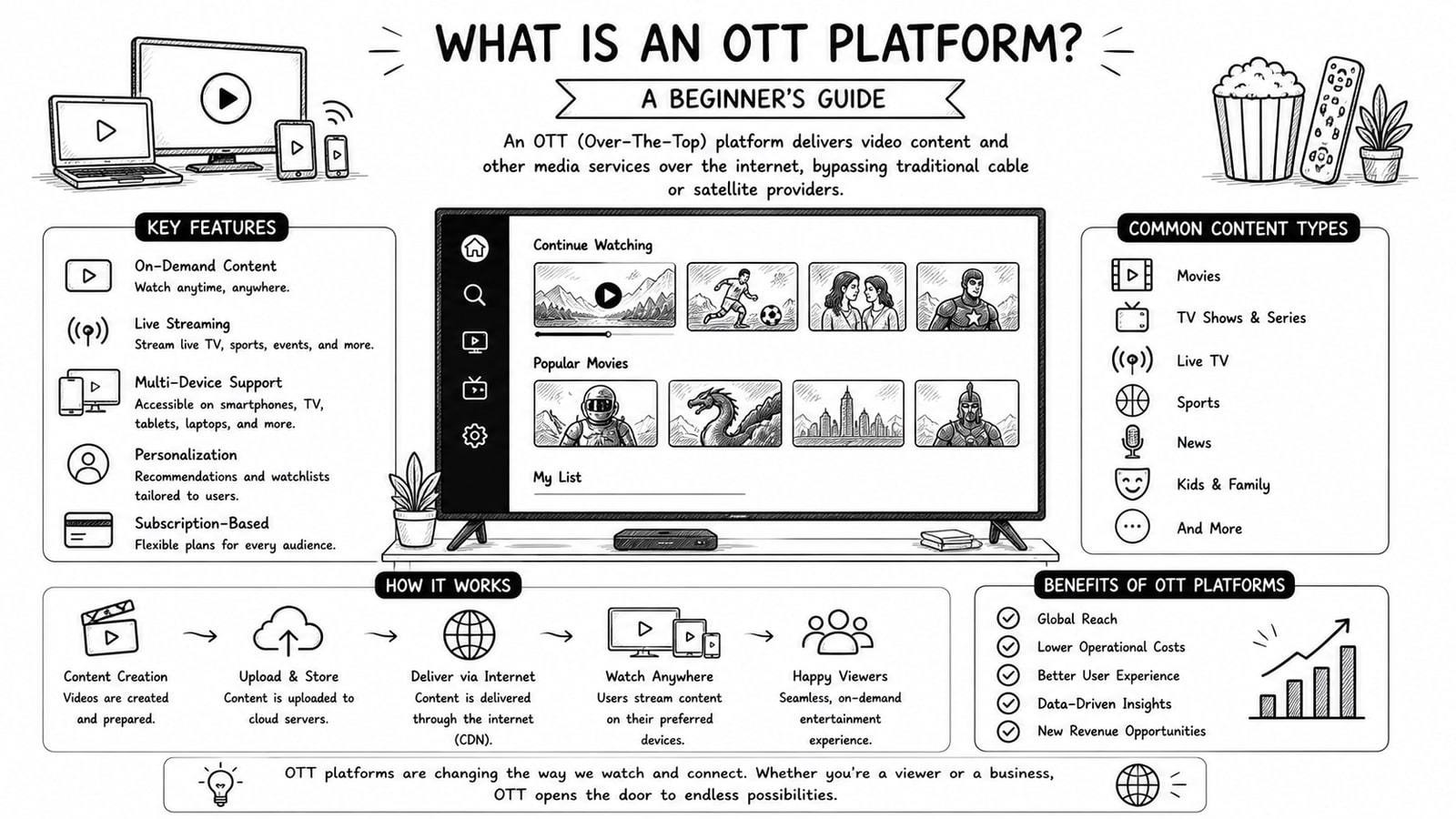
What Is an OTT Platform? A Beginner's Guide
A beginner-friendly guide to OTT platforms, how they work, key components, business models, and what to evaluate before choosing a solution.
Read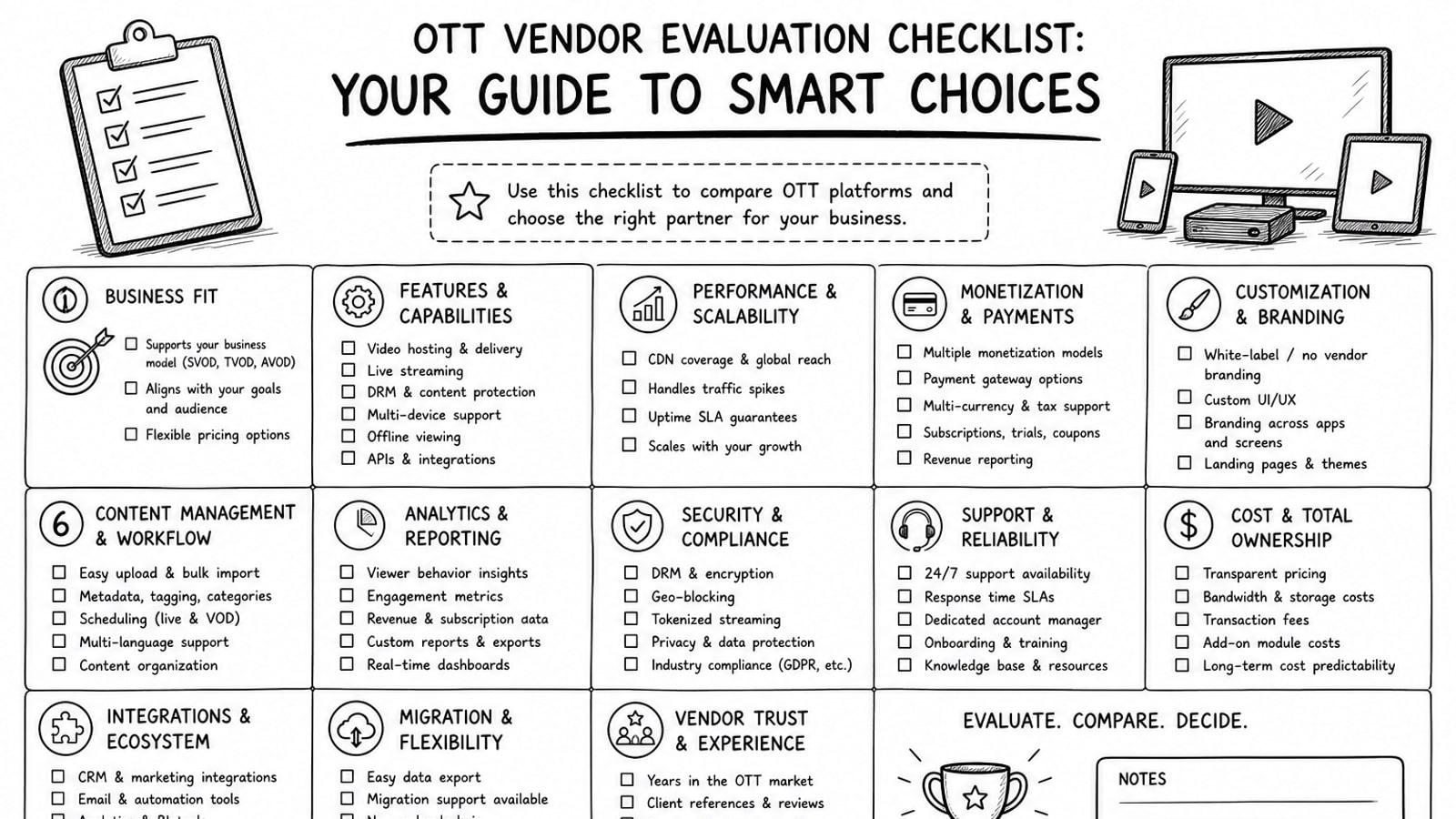
OTT Vendor Evaluation Checklist: Your Guide to Smart Choices
A practical guide to evaluating OTT vendors, with a clear checklist for delivery, security, workflow, cost, ownership, and long-term platform fit.
Read